The best free daily Bible verse app is the one that matches the format you will actually open tomorrow morning. If you want the verse inside a full Bible reader, start with the YouVersion Bible App. If you want a verse with short commentary at a time you set, Verse-A-Day Bible Verses fits. If you want the verse on your Home Screen before you unlock anything, #Bible - Verse of the Day and Bible Widgets: Verses & Prayer are the widget-first options. If you want the verse to open into a short devotional with a prayer, Our Daily Bread is built for exactly that. All five are free to start, and each free tier has a boundary worth knowing before you build a habit on it.
A word about method before the list. Every feature described below comes from official support pages and current U.S. app store listings accessed on September 3, 2026. We have not run hands-on tests, counted downloads, or compared store ratings. What we offer is a verified description of what each app says it does, where its free tier ends, and a simple way to test your choice in one week.
How we chose these free daily Bible verse apps
This guide is dated on purpose. App features and prices change, so everything here reflects official material accessed on September 3, 2026: YouVersion's support articles for iOS and Android, Verse-A-Day's official page and Google Play listing, and the current U.S. Apple App Store listings for the other three apps. Four plain criteria decided which apps earned a place:
Free to start, with the boundary stated. Each app can be downloaded and used without paying, and we say plainly where a listing notes ads or in-app purchases.
A verse you will actually see. The delivery format matters more than the feature list: a push notification, a widget, an email, or an app you open on purpose.
A path back to the full text. The app should make it easy to read the verse in its surrounding passage in a translation you trust.
A repeatable rhythm. A reminder at a chosen time, access to past verses, or a devotional short enough to finish gives the habit a shape you can keep.
One scoping note. This article answers one narrow question: which free app delivers a daily verse well. If your real need is full daily reading, listening, or deeper study, our broader Bible app guide is the better starting point.
A quick way to choose your app
Answer one question first: where should the verse meet you?
Inside a full Bible app, with versions to compare: YouVersion Bible App.
In a short daily reading with commentary, at a time you choose: Verse-A-Day Bible Verses.
On an iPhone or iPad, with devotionals alongside the verse: #Bible - Verse of the Day.
On your Home Screen, Lock Screen, or Apple Watch: Bible Widgets: Verses & Prayer.
As the opening of a short devotional with a reflection question and prayer: Our Daily Bread.
If two rows sound like you, choose the one tied to the screen you look at most; a widget you glance at twenty times a day beats a rich app you open twice a week.

Five free daily Bible verse apps to consider
Each entry follows the same shape: best-fit reader, documented strength, and the limitation that matters. We describe only what the cited source says.
YouVersion Bible App
Best fit: you already read in a Bible app, or you want the verse to sit one tap away from the whole chapter.
Documented strength: YouVersion's iOS and Android support material says Verse of the Day supplies a unique verse each day. From the verse you can open the full text, share it or create an image, compare Bible versions, and look back at previous days. The support articles also describe configuring a Verse of the Day email or push notification, including the delivery time and the Bible version. Not every control appears on every platform; check the support article for your device.
Limitation: the verse lives inside a large, full-featured app. If your phone already pulls you toward a dozen other icons, the verse is only as anchored as your habit of tapping through to the chapter.
Verse-A-Day Bible Verses
Best fit: you want a verse plus a few sentences of commentary, delivered at a time you set.
Documented strength: the official Verse-A-Day page and its current Google Play listing describe a daily verse with supplemental commentary, a choice of preferred translation, sharing, and a reminder scheduled for a chosen time. That is a compact loop: notification, verse, short comment, done.
Limitation: the Google Play listing states that the app contains ads, so do not expect an ad-free or universally subscription-free experience. The commentary also chooses the angle in advance; let it prompt your own reading of the passage rather than settle the question for you.
#Bible - Verse of the Day
Best fit: you use an iPhone or iPad and want a dedicated verse-of-the-day app with devotional material included.
Documented strength: the current U.S. App Store listing describes an app that sends a new verse each day, includes devotionals, and belongs to the Bible-widget category, so the verse can reach your Home Screen as well as your notification tray.
Limitation: the same listing labels the app Free with In-App Purchases. The free download is real, and some content sits behind purchases, so confirm which parts you will actually use before building a routine on them. Our review covers the U.S. iPhone and iPad storefront only.
Bible Widgets: Verses & Prayer
Best fit: you want the verse visible without opening anything: iPhone or iPad Home Screen, Lock Screen, or Apple Watch.
Documented strength: its current U.S. App Store listing offers Home Screen and Lock Screen widgets, daily reminders, favorites and collections, and offline access to saved content. For a glance-based habit, that is the widest surface coverage in this list.
Limitation: this app is also listed as Free with In-App Purchases, and its content mixes Bible verses with prayers, affirmations, and quotes. A widget rotation can therefore show items that are not Scripture; check what each card is before you share it as a verse.
Our Daily Bread
Best fit: you want the verse to open into a short devotional you can finish in a few unhurried minutes.
Documented strength: the U.S. App Store listing calls the app Free and describes a daily devotional built around a reading, a reflection question, and a guided prayer, with reminders, an in-app Bible, a Bible in a Year option, and reading plans. Among these five, it gives the verse the most surrounding context by design.
Limitation: it asks for more of your morning than a widget does. If what you want is a ten-second glance at a verse, a devotional app will feel heavy; this one rewards the reader who will actually sit down with it.

Let a daily verse lead back to its context
A verse that arrives alone can only do so much. A single line can comfort, and it can also be misread, because the sentences around it often carry the meaning. A daily verse is a starting point, not a substitute for reading a passage in context, for wisdom, or for church community. The habit worth building has three small steps: receive the verse, open the full paragraph in your preferred translation, and write down one observation or one honest question.
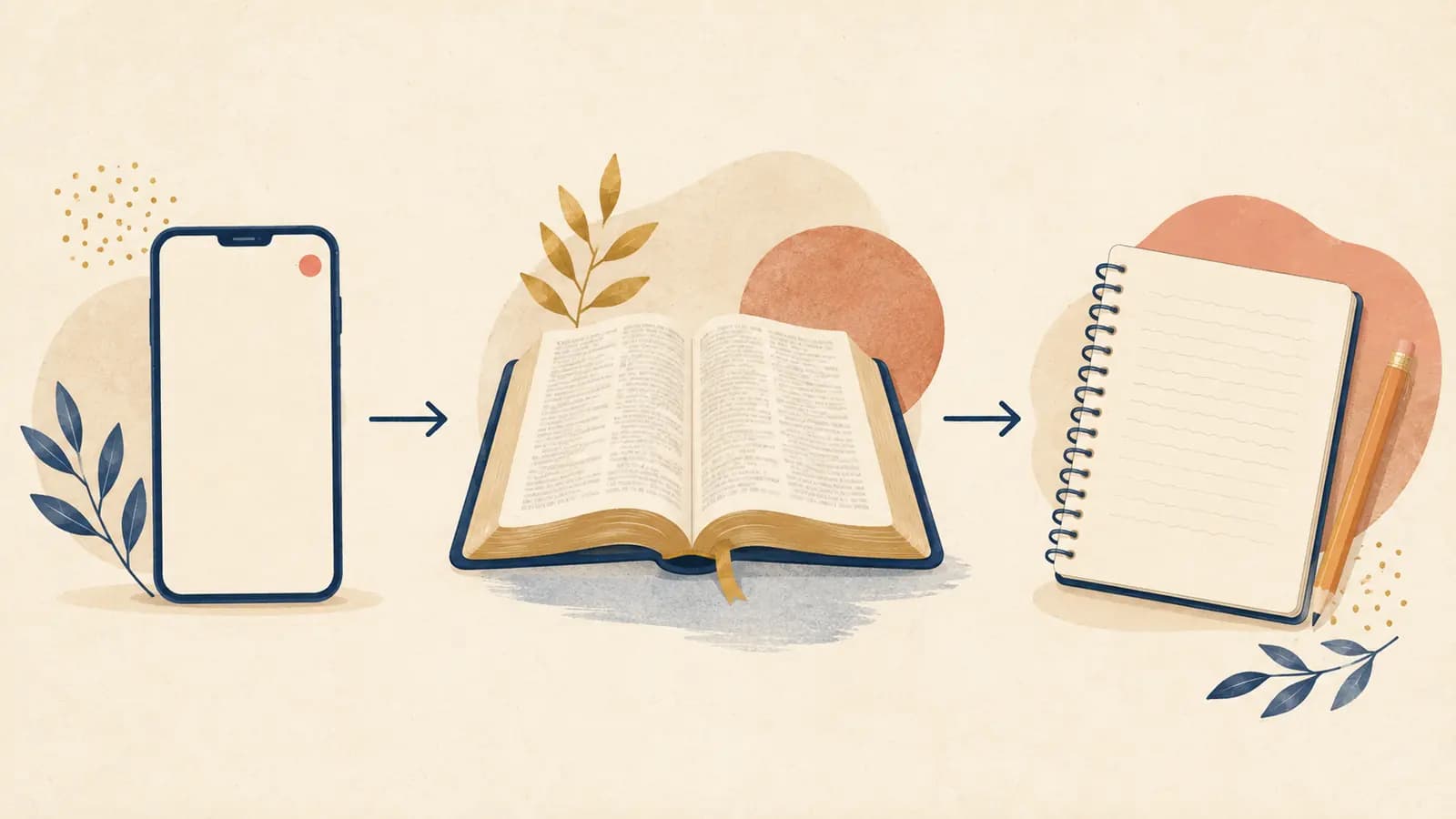
You do not need another download to practice that. Bible Note's browser-based random Bible verse generator draws a verse in KJV or WEB, offers a Verse of the Day mode, shows the nearby context, and lets you copy or share the result. It runs in a browser tab and sends no notifications, which makes it a quiet companion to whichever app you choose rather than a replacement for it.
When you want to stay with the passage longer, our simple Bible meditation practice walks through an unhurried way to read it. Two minutes with the paragraph will teach you more than a week of verses read alone.
Choose the smallest rhythm you will keep
Whatever you choose, give it a fair, short trial. One week is enough to learn whether a format fits your life, and a small test keeps you from collecting apps you never open. Here is a seven-day test you can run entirely on your own:
Day 1: Install one app from the list and set its reminder for a time you are usually awake and unhurried.
Day 2: When the verse arrives, open the full paragraph in your preferred translation and read it once, slowly.
Day 3: Write one sentence about the passage, an observation or an honest question, in any notebook.
Day 4: Notice the delivery. Did the verse reach you at a good moment, or did you swipe it away?
Day 5: Check the boundary. Open the app's settings and confirm what the free tier includes and where it ends.
Day 6: Revisit the sentences you wrote this week and read them once, unhurried.
Day 7: Decide plainly: keep the app, switch to a different format from the list, or drop the notification and keep the notebook.
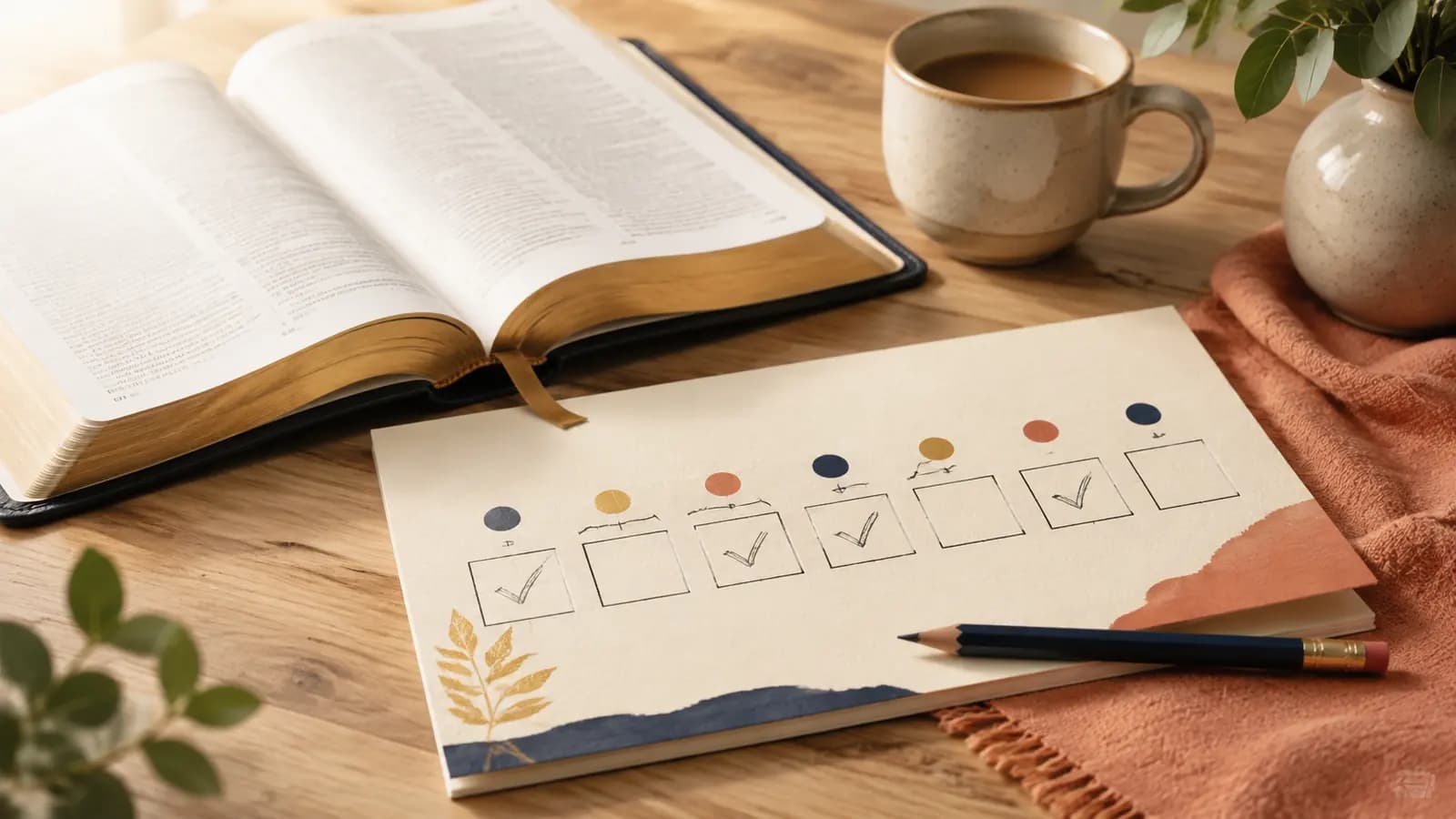
The test measures your ordinary mornings, which no feature list can predict. An app that survives your week has earned its place; one that does not has taught you something useful too.
Frequently asked questions
Is there a free daily Bible verse app for iPhone or Android?
Yes. YouVersion's support material covers Verse of the Day on iOS and Android, and Verse-A-Day has a current Google Play listing that notes it contains ads. On the U.S. App Store, #Bible - Verse of the Day and Bible Widgets: Verses & Prayer are listed as Free with In-App Purchases for iPhone and iPad, with Bible Widgets also supporting Apple Watch, and Our Daily Bread is listed as Free. Check the current listing on your device before downloading.
Is the daily verse the same for everyone?
It depends on the app and your settings. The material we reviewed describes a verse the app selects for the day, and your chosen Bible translation changes the wording you see; YouVersion's support articles, for example, describe choosing the version used for Verse of the Day. Do not assume your verse matches a friend's; if you want to discuss one together, agree on the passage and the translation first.
Which daily Bible verse app has the best widget?
Among the listings we reviewed, Bible Widgets: Verses & Prayer documents Home Screen and Lock Screen widgets plus Apple Watch support, and #Bible - Verse of the Day also belongs to the Bible-widget category on the App Store. Which is best for you depends on which screen you glance at most; confirm the options in each app's current listing.
Can a daily verse replace reading the Bible?
No. A verse of the day is a starting point. Some questions a verse raises deserve more than an app; bring the weighty ones to trusted leaders in your church community, and let the notification serve your reading rather than stand in for it.
Sources
YouVersion Support, "iOS: Verse of the Day" and "Android: Setup Verse Of the Day Notification" articles, accessed September 3, 2026
Verse-A-Day official mobile app page, accessed September 3, 2026
Verse-A-Day Bible Verses listing on Google Play, accessed September 3, 2026
#Bible - Verse of the Day listing on the U.S. Apple App Store, accessed September 3, 2026
Bible Widgets: Verses & Prayer listing on the U.S. Apple App Store, accessed September 3, 2026
Our Daily Bread listing on the U.S. Apple App Store, accessed September 3, 2026
Bible Note random Bible verse generator tool page, accessed September 3, 2026
Editorial status
Written and edited by Hans Keller for Bible Note. Sources, Scripture context, dates, and practical limitations are checked before publication.

About the author
Hans Keller
Editorial & Content Lead
Bible Study & Sermon Learning Content Editor
Hans helps Christians turn sermons and Scripture study into clear notes, thoughtful questions, and faithful next steps.
His work helps listeners and group leaders carry a sermon or study beyond the meeting: back to the passage, into clearer questions, and toward one practical response for the week.
Read with Scripture open
Use this guide alongside the full biblical passage and the practices of your local church. Interpretive details can differ across Christian traditions.
See more Bible Note on Google
Add Bible Note as a preferred source to help find our Bible study guides more easily in Google Search.