On a wet commute, a closed Bible can rest on your lap while a chapter still reaches you through earbuds. Hearing Scripture is an old Christian practice; Paul ties faith to hearing the word of Christ in Romans 10:17. This Dwell app review asks when a dedicated audio Bible serves that habit, and when a reading app or a notes app should take the lead.
Dwell is built for listening to Scripture as a primary practice. Official materials emphasize narrator voices, named translations, and listening routines. This is an editorial review published by Bible Note, based on official product pages accessed September 15, 2026. It is not a hands-on lab test.
The short verdict
Choose Dwell when listening is the work you want to protect: a commute, a walk, or a quiet evening where a produced voice helps you stay with a chapter. The homepage presents Dwell as an audio Bible and previews multiple narrator voices across named translations, including ESV, NIV, NLT, KJV, CSB, NKJV, NASB, and The Message. The current Google Play listing adds Read Along synchronized text, listening plans, offline downloads, sleep mode, and Repeat and Reflect memorization.
If you need a free reader, guided classes, original-language tools, or a path from an authorized sermon into notes, a different app should own that job. Check the current store listing for trial and subscription terms.
Keep Scripture first even when the speaker is excellent. Pause the audio, open the same passage in print, and ask what the text says before you treat a memorable cadence as interpretation.
How this Dwell app review evaluates listening
This Dwell audio Bible review uses four dated questions. They follow the work a listener actually has to do.
Listening quality: Do official materials present produced voices, named translations, and a listening environment you can return to?
Habit support: Do they name plans, read-along text, or offline listening that help a commute stay with one chapter?
Honest limits: What must you still check on the current listing, including trial and auto-renewal?
Job fit: Is listening the primary job, or do you still need a reader, a class, a study tool, or sermon notes?
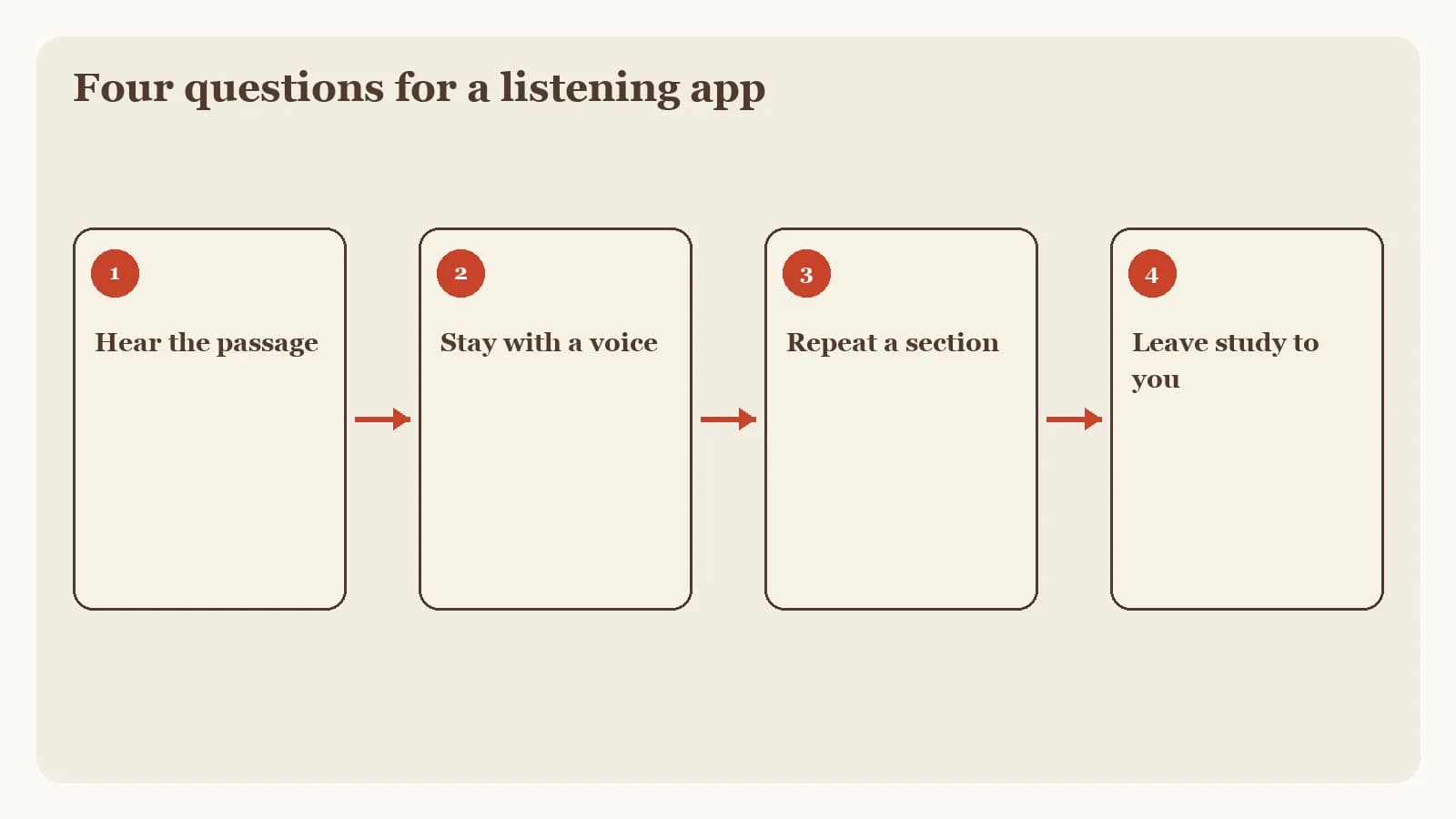
These criteria help you decide whether Dwell's documented listening role matches your week.
What Dwell is built to do
Dwell's official homepage presents the product as an audio Bible. The voice preview lists the translations named above, each with narrator voices you can sample on that page. Do not treat any voice count as frozen; catalogs change.
Voices and named translations
The distinctive public promise is produced listening. A translation you already trust can be heard in more than one voice, which matters if a single narrator makes it hard to stay present. This review does not claim a complete catalog or a ranking of voices.
Plans, Read Along, and offline listening
The current Google Play listing describes Read Along synchronized text, listening plans, offline downloads, sleep mode, and Repeat and Reflect memorization. Read Along keeps eyes and ears on the same words. Offline downloads support a commute where the signal drops. Sleep mode and Repeat and Reflect are named as listening aids.
If you are comparing Dwell with other daily routes, the daily Bible reading app guide places this read-along option beside plan-first and devotional-first apps.
The Play listing also describes a trial and an auto-renewing subscription. This article omits dollar amounts. Open the current listing on your device for today's terms.
Where Dwell stands out as an audio Bible
The documented strength is focus. Dwell is presented as a place to hear Scripture, choose a voice, and keep a listening routine. For some readers, that is the whole need: the chapter in the ear, at a pace they can receive.
A commute can still be time in the text
When the voice and translation fit, a train ride or a walk can carry a book of the Bible you would otherwise skip because your hands are full. Official materials support that use with listening plans, offline downloads, and Read Along text. Hearing a chapter on Tuesday still invites you to look at the same sentences later with the page open.
Produced narration is the product
Many Bible apps include some audio as a secondary button. Dwell's public pages lead with voices and listening. That is useful when audio is the main practice. Match the app to the job you will repeat.
Limits worth checking before you subscribe
Official pages describe the role. They do not freeze price, plan names, or every feature across iPhone, Android, and web. Treat the listing as current only on the day you open it.
Trial, auto-renewal, and listing copy
The Google Play listing accessed September 15, 2026 describes a trial and an auto-renewing subscription. Check the current store listing for length, price, what the trial includes, and how to cancel. Homepage marketing and store copy can differ.
Listening still needs an open text
A strong narrator can make a dense paragraph feel clear. Clarity of voice is not the same as understanding the passage. After you listen, read the surrounding verses in a print Bible. Note who is speaking, to whom, and what comes next.
Dwell's public materials do not present sermon notes, original-language study, or a large free reading library as the product's center. If those are your main jobs, start with an app built for them.
Who Dwell fits and which companion may help
Dwell fits the person who already wants to hear Scripture and is willing to subscribe if the current terms make sense. It also fits a household that listens together, or a commuter who wants the same voice to meet the same plan each weekday.
It is a weaker primary choice when you need a free everyday reader, guided classes, close word study, or a path from Sunday preaching into midweek notes. Our best Bible apps guide maps those roles so this page can stay a Dwell review.
When sermon listening still needs notes
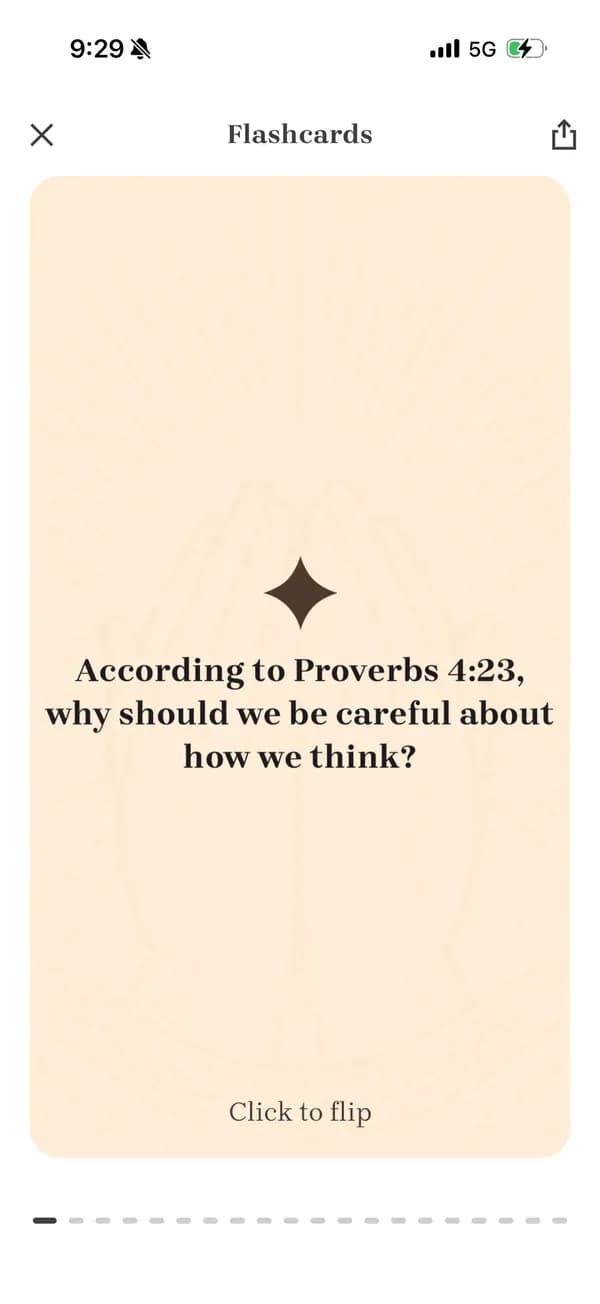
Scripture on a commute and a Sunday sermon are related habits with different tools. If you want to return to an authorized sermon, Bible Note can record or import that message, provide a timestamped transcript with recognized Scripture references, and turn the material into structured notes, flashcards, devotionals, and small-group questions. Permission is required before recording or import. Accuracy is not guaranteed; audio quality affects the draft. Verify names, quotations, and references against the recording and the passage.
The Bible Note review covers that sermon-to-study path. Bible Note sermon notes describes the follow-up formats. Bible Note is a companion for authorized teaching review. It does not clone Dwell's audio-Bible role.
Submitted content in Bible Note can include text, audio, or voice media used to provide the service. Read the current privacy policy before you upload a sermon, and follow your church's recording rules.
Try one commute with a print Bible nearby
You can test whether dedicated audio listening helps you without rearranging your whole week. Use one short passage and a printed Bible you already own.
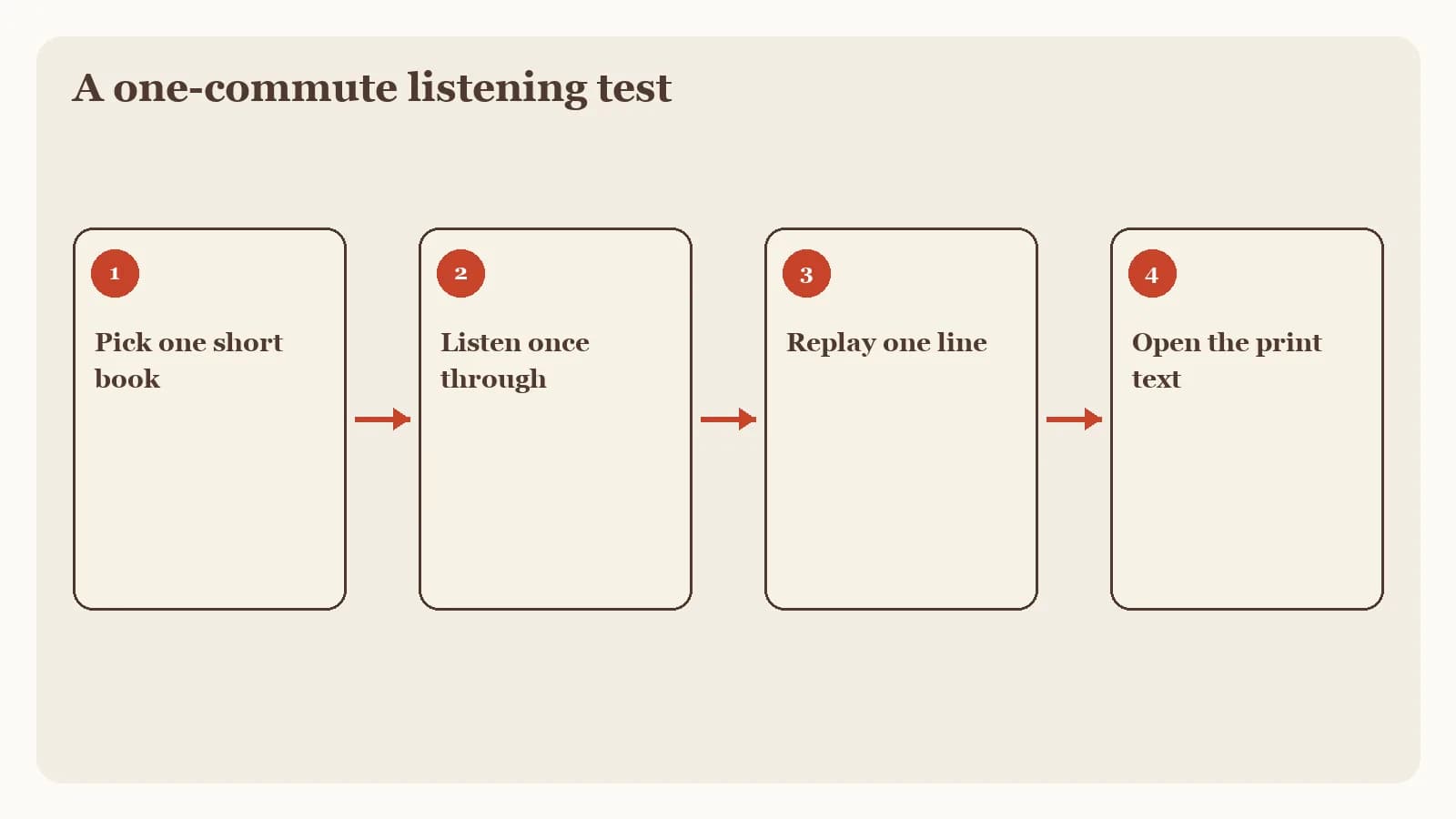
Pick a passage you can finish in one trip. Write the reference on paper before you press play.
Listen once without pausing to type. Keep the print Bible closed during the commute so your ear does the first pass.
Open the same verses afterward. Mark one phrase you remembered accurately and one you had already smoothed over.
Write a Monday sentence. Note the big idea, one remaining question, and one response to practice this week. A paper sermon notes template can hold that takeaway if the audio was a teaching you are authorized to review.
If the listen-then-read loop made you more attentive to the words on the page, a listening app may earn a place. If you mainly wanted to highlight, compare versions, or outline a sermon, choose the app that owns that job.
Frequently asked questions
Is Dwell worth it?
It is worth considering when dedicated audio listening is your main job and the current store listing's terms fit; this review omits prices, so check that listing before you subscribe.
Does Dwell have a free version?
The Google Play listing accessed September 15, 2026 describes a trial and an auto-renewing subscription; check the current listing for what remains after the trial.
What is the best audio Bible app?
This page reviews Dwell as a dedicated listening app; start with the job you will repeat, whether that is produced audio, a free reader with audio, or another role.
Does Dwell work offline?
The current Google Play listing describes offline downloads; confirm the steps on the listing for your device.
Is this a hands-on Dwell app review?
No. Bible Note publishes this editorial review from official Dwell materials accessed September 15, 2026.
Can Bible Note replace Dwell for listening to Scripture?
No. Bible Note is for authorized sermon transcription and notes, and Dwell remains the listening-focused audio Bible described on its official pages.
Sources
Dwell official homepage, accessed September 15, 2026.
Dwell: Audio Bible Google Play listing, accessed September 15, 2026.
Bible Note sermon notes, accessed September 15, 2026.
Bible Note sermon transcription, accessed September 15, 2026.
Bible Note Privacy Policy, effective April 22, 2026, accessed September 15, 2026.
5 Best Bible Apps in 2026, accessed September 15, 2026.
Bible Note Review in 2026, accessed September 15, 2026.
Editorial status
Written and edited by Hans Keller for Bible Note. Sources, Scripture context, dates, and practical limitations are checked before publication.

About the author
Hans Keller
Editorial & Content Lead
Bible Study & Sermon Learning Content Editor
Hans helps Christians turn sermons and Scripture study into clear notes, thoughtful questions, and faithful next steps.
His work helps listeners and group leaders carry a sermon or study beyond the meeting: back to the passage, into clearer questions, and toward one practical response for the week.
Read with Scripture open
Use this guide alongside the full biblical passage and the practices of your local church. Interpretive details can differ across Christian traditions.
See more Bible Note on Google
Add Bible Note as a preferred source to help find our Bible study guides more easily in Google Search.