The YouVersion reading for the morning is already finished. Sunday's sermon is harder to recover. You can still open the verse you highlighted at breakfast, and still lack a path back to the message you wanted to sit with by Wednesday.
If you are looking for YouVersion alternatives, match the second tool to the job that is still unfinished. Keep YouVersion when free daily reading and listening still fit. Choose Dwell when listening itself is the practice. Choose BibleProject when a book of the Bible needs guided teaching. Use Blue Letter Bible on Android when a word or parallel passage needs slower study. Use Bible Note when an authorized sermon needs a review path.
This is an editorial comparison published by Bible Note, drawn from official product pages accessed on September 15, 2026. It is not a hands-on lab test.
What the YouVersion Bible App still does well
YouVersion remains a documented free daily reading and listening app. Its official product page, accessed on September 15, 2026, leads with everyday engagement: reading and listening, highlights, bookmarks, notes, and version comparison. That is a serious baseline. Many readers need a companion for one narrower task, while the daily habit stays put.
The official materials lead with daily reading, which fits a morning or a commute. You can mark a verse, compare a wording that sounded different from memory, and return tomorrow. Psalm 1 describes a person who returns to the Lord's instruction through the day and the night. YouVersion's documented strength is that small return: open the passage, hear it if you need to, and pick it up again.
If your question is still about reading plans and tomorrow's passage, our daily Bible reading app guide stays on that job. This page stays with YouVersion Bible app alternatives for the jobs that sit beside that habit. For account or plan questions, use YouVersion's own help materials.
Why readers look for YouVersion alternatives
People rarely search this phrase because a reading streak failed. They search because a second job appeared and the home-screen reader does not own it.
Some readers want produced audio, a voice they can live with, and a translation they already trust in the ear. Guided learning is a different job: a book of the Bible can finish and still feel like separate scenes. Word study is slower still. A lexicon line, an interlinear view, or a parallel passage asks for patience a daily plan is not built to give.
Sermon follow-up sits in its own lane. Highlights capture a verse. They rarely capture a 35-minute teaching or the one response you meant to practice. The best YouVersion alternatives are companions named for those jobs.
How we compared these YouVersion alternatives
This comparison uses official pages accessed on September 15, 2026. We did not run timed tests, collect ratings, or count downloads. Prices are omitted because store terms change; check the current listing before you subscribe or assume a feature is free.
Four questions kept the comparison fair:
What daily job does the official page lead with? Reading, listening, guided teaching, and reference study should not be scored as one task.
Can a reader start in one minute? The first action should be obvious: open today's passage, press play, begin a class, or search a word.
What return path exists? Highlights, notes, progress tracking, or a transcript matter when they help you come back to the same text.
What limitation should you accept first? Every useful tool leaves something out. Name that gap before you add a second icon.
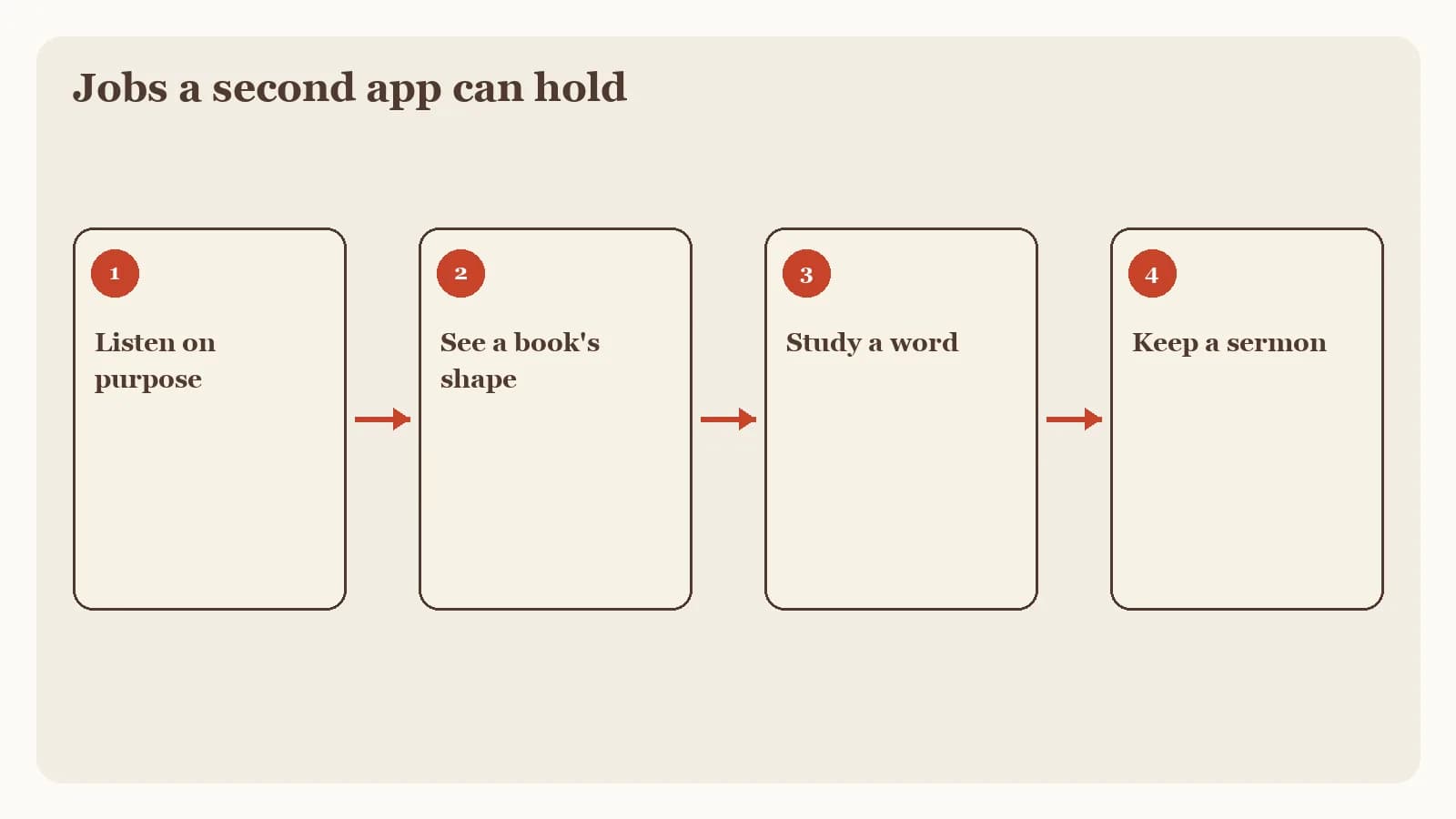
A short loop you will repeat is a better test than a long feature list. You can try it on paper before you change apps.
Three YouVersion alternatives to consider
The three options below come from the same family of jobs as our best Bible apps guide. Each one can sit beside YouVersion.
Dwell for listening as a practice
Choose Dwell when you want listening to be a practice of its own.
Dwell's official homepage, accessed on September 15, 2026, presents an audio-first Bible listening product with multiple narrator voices and named translations. The preview includes ESV, NIV, NLT, KJV, CSB, NKJV, NASB, and The Message. Voice and translation catalogs change, so treat that list as a current window, not a frozen inventory.
If the voice and translation fit, a walk or commute can become a deliberate return to the text. Check the current store listing for subscription terms.
BibleProject for guided book learning
Choose BibleProject when you want a teacher to walk you through a book, a theme, or the way a biblical writing holds together.
The official BibleProject app page, accessed on September 15, 2026, describes guided learning through videos, podcasts, classes, articles, reflection questions, and progress tracking. That mix helps a reader who has finished a book and still cannot say how the pieces connect. Watch, read, reflect, and let progress accumulate beside the YouVersion habit you already have.
The same official page currently describes the app as English-only. Confirm that limit if you need another language. Your church's sermons and personal notes will still live elsewhere.
Blue Letter Bible for Android word study
Choose Blue Letter Bible on Android when you want to slow down over a word, an interlinear line, or a parallel passage.
The official Android page, accessed on September 15, 2026, describes original-language lexicons, interlinear tools, dictionaries, word searches, commentaries, notes, highlights, and parallel Bible views. Every one of those features is scoped to Android here, because that is the material we reviewed.
This is a reference desk. Confirm current device support on the official Android page before you rely on a specific lexicon or commentary set.
Where Bible Note fits among those YouVersion alternatives
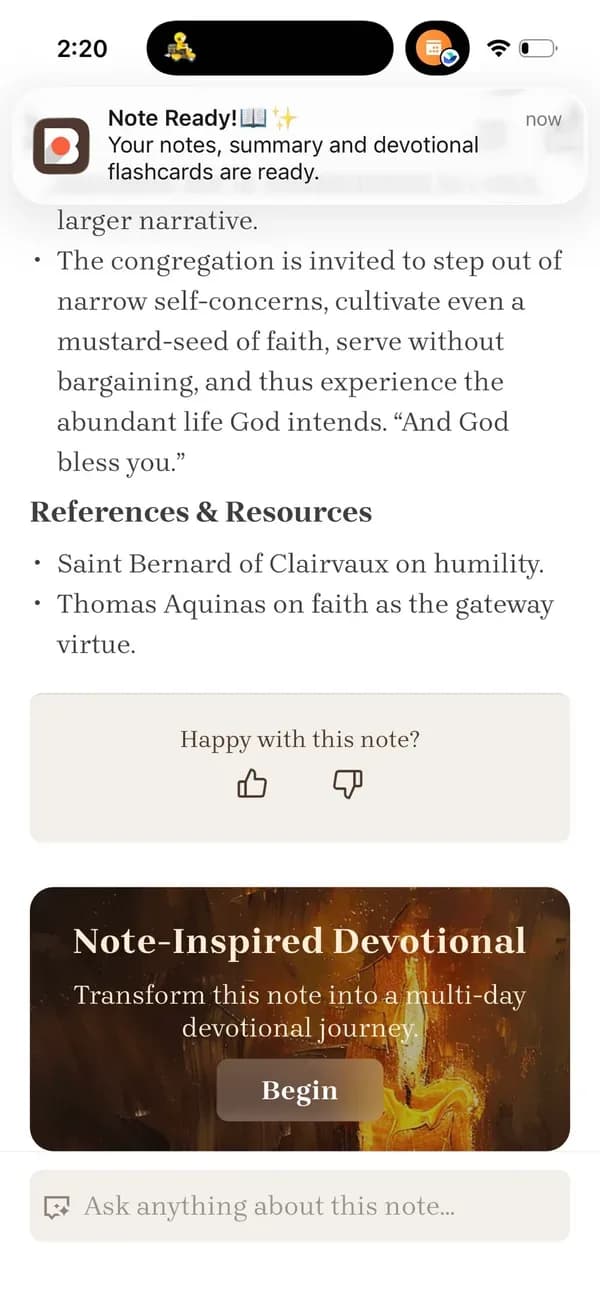
Bible Note belongs in this set when the unfinished job is an authorized sermon or teaching. It does not try to clone YouVersion's daily reading home. Its documented work is to turn material you are allowed to use into notes you can revisit.
The current sermon-notes workflow can organize that material into structured notes, Scripture references, flashcards, devotionals, and small-group questions. Bible Note sermon transcription describes the capture step: live recording or an authorized import, a timestamped transcript, and recognized Scripture references. Audio quality affects the draft, and there is no universal accuracy score. Check names, quotations, and references against the recording and the biblical text.
Permission comes first. Record or import only what your pastor, media team, or church policy allows. The Bible Note Privacy Policy, dated April 22, 2026 and accessed on September 15, 2026, says submitted content can include text, audio, or voice media used to provide the service. Read the current policy before you upload a sermon.
For a fuller evaluation of that workflow, see the Bible Note review.
Keep your reading habit while you add a second tool
You can test the missing job this week without rebuilding your morning. Keep tomorrow's YouVersion passage. Add one companion task, then decide from evidence you can see on paper.
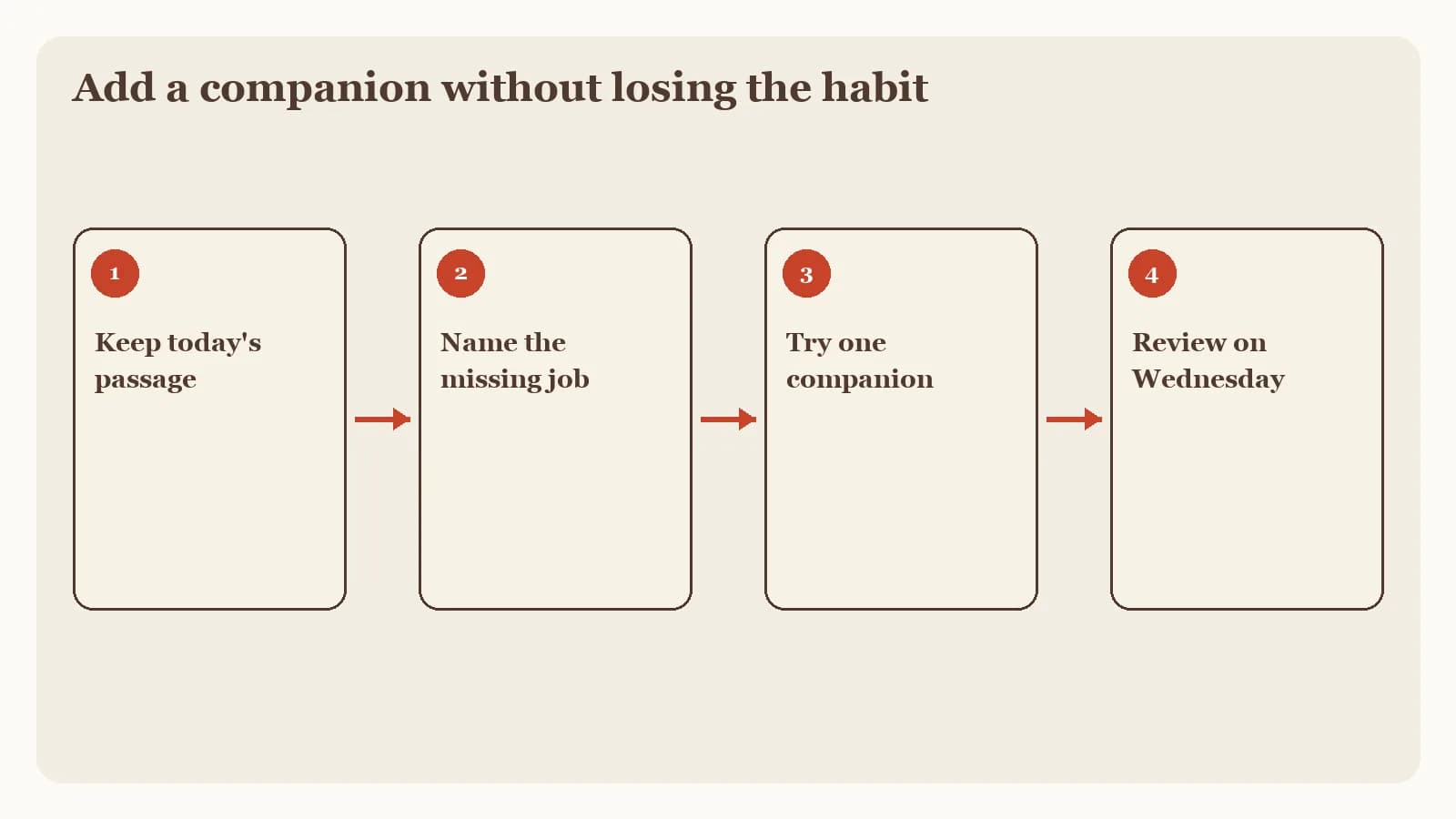
Leave the reading streak in place. Open the same daily passage you already planned. Write the book, chapter, and verse in a notebook before you touch a second app.
Name the unfinished job in one sentence. Listening practice, guided book learning, Android word study, and sermon review are different sentences. Write only one.
Try that job once without switching homes. Hear the passage, watch one guided video, look up a single word on Android, or fill a paper sermon notes template.
Review on a later weekday. Return to the passage and ask whether the second tool helped you remember one concrete thing.
If the paper test already gave you a clearer Wednesday, you may not need a new install yet. If the job kept slipping, choose the matching companion and give it one honest week beside YouVersion.
Frequently asked questions
What is better than YouVersion?
No single app is better for every job; keep YouVersion for daily reading if it already works, then add a tool for listening, guided learning, Android word study, or sermon notes.
Is there a Bible app without social features?
The official pages in this comparison lead with reading, listening, teaching, or reference tools, so check the current listing for any community features you want to avoid.
What is the best free YouVersion alternative?
YouVersion remains a documented free daily reading and listening app; for a second job, check each official page and store listing, because terms change by date and platform.
Do I need to leave YouVersion to use these tools?
No. Keep the reading habit that already works and add one companion for the unfinished job.
When should I choose Bible Note?
Choose Bible Note when you are authorized to record or import a sermon and want a timestamped transcript plus structured notes you can review during the week.
Sources
Bible Note sermon notes, first-party feature reference, accessed September 15, 2026.
Bible Note sermon transcription, first-party feature reference, accessed September 15, 2026.
Bible Note Privacy Policy, official policy dated April 22, 2026 and accessed September 15, 2026.
YouVersion Bible App official product page, accessed September 15, 2026.
Dwell official homepage, accessed September 15, 2026.
BibleProject App official page, accessed September 15, 2026.
Blue Letter Bible Android App official page, accessed September 15, 2026.
Editorial status
Written and edited by Hans Keller for Bible Note. Sources, Scripture context, dates, and practical limitations are checked before publication.

About the author
Hans Keller
Editorial & Content Lead
Bible Study & Sermon Learning Content Editor
Hans helps Christians turn sermons and Scripture study into clear notes, thoughtful questions, and faithful next steps.
His work helps listeners and group leaders carry a sermon or study beyond the meeting: back to the passage, into clearer questions, and toward one practical response for the week.
Read with Scripture open
Use this guide alongside the full biblical passage and the practices of your local church. Interpretive details can differ across Christian traditions.
See more Bible Note on Google
Add Bible Note as a preferred source to help find our Bible study guides more easily in Google Search.