The video ends and the book's outline is still in the room with you: a few movements, a repeated phrase, a reason one story sits before another. You set the tablet face down, look at the open Bible on the table, and ask whether the BibleProject app is the right container for that kind of guided learning.
This BibleProject app review is for that pause. Official materials accessed September 15, 2026 describe a strong library of videos, podcasts, classes, and articles, with progress you can pick up on a phone. They also name clear limits: English-only, optimized for iOS 15.5+ and Android 8+ phones, usable on most tablets without tablet-specific optimization, and a companion reader with NASB, NIV, NIRV, NLT, and Amplified. If you already know the videos, the app fits guided visual learning of books and themes. A reader or notes tool still helps for a wide translation list or sermon notes.
The short verdict
The BibleProject app is a strong guided-learning library. Official materials present videos, podcasts, classes taught by Bible scholars, articles, annotated resources, reflection questions, and progress tracking in one place. They share that library with the website while making on-the-go progress easier to follow. For a reader who wants to see how a book or theme holds together before slowing down in a chapter, that is a clear fit in 2026.
Keep a Bible reader in the loop. The documented in-app reader is useful for chapters and verses that already have matching library content, and the translation list is short. Confirm current OS requirements on the live page, and check the current store listing for terms. A simple first step is still yours: watch one video, then open the passage.
How this BibleProject app review evaluates guided learning
This is an editorial review, dated on purpose. The four questions below follow the work a learner actually has to do after a video or class.
Orientation: Does the library help you see a book's shape or a theme's path before you get lost in a single chapter?
Return path: Can you pick up progress on a phone and find the next video, class, or article without rebuilding the sequence by hand?
Scripture access: When a video names a passage, can you open that text in a trustworthy translation and read the surrounding verses?
Honest limits: Are language, device, and reader boundaries stated clearly enough to decide whether this can be your only Bible app?
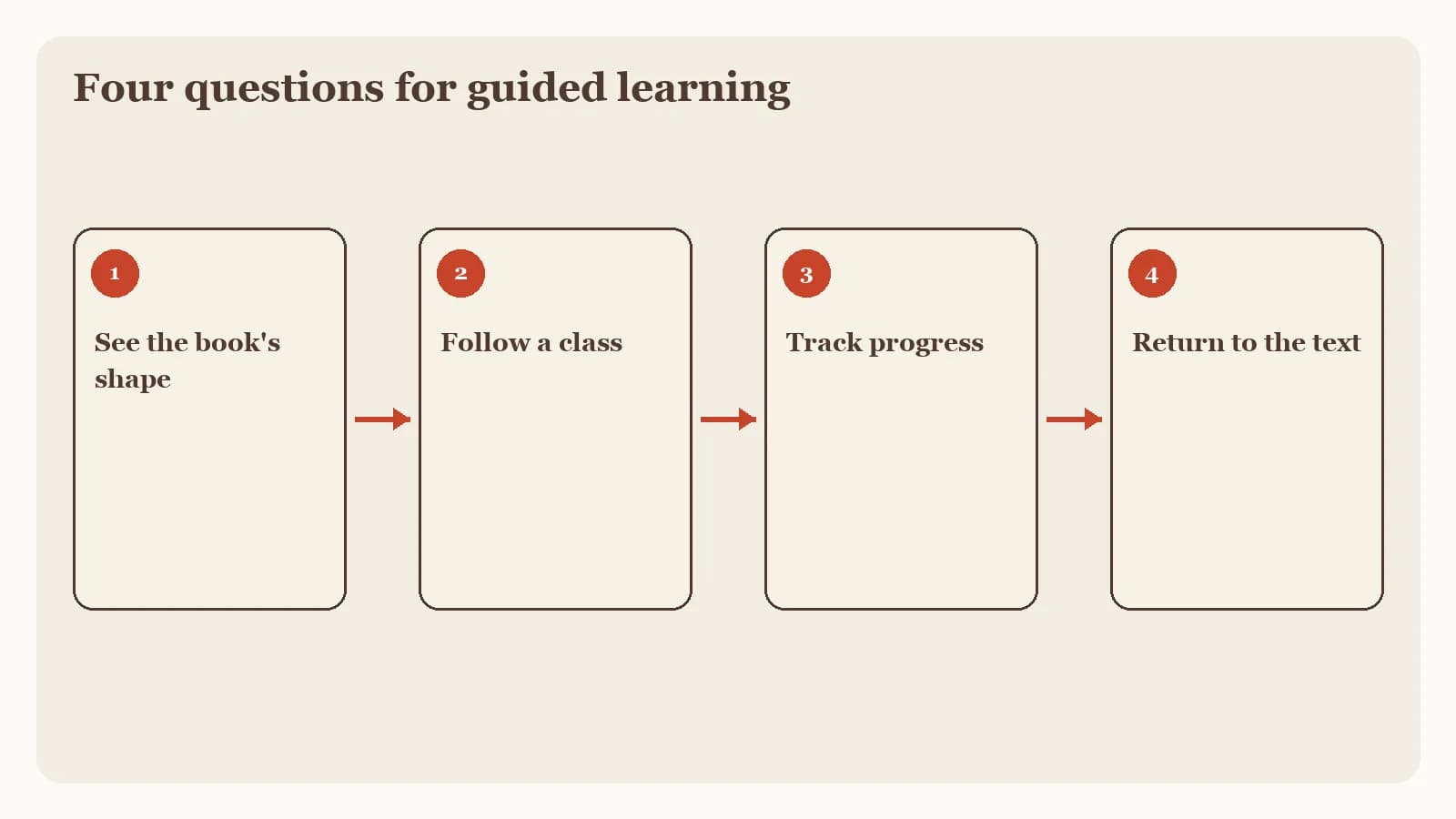
These criteria favor guided learning.
What the BibleProject app is built to do
The official BibleProject app page, accessed September 15, 2026, describes reflection questions, classes taught by Bible scholars, annotated resources, videos, podcasts, articles, and progress tracking. That mix is the product's job: a teacher walks you through a book or theme, then you reflect and continue. Guided learning of that kind sits beside other study jobs in our best Bible study apps guide.
A library of videos, classes, and annotated resources
If you already watch BibleProject videos, the app is a container for the same kind of teaching, with classes, articles, and questions gathered around it. Official materials say the app shares a library with the website and makes on-the-go progress tracking easier.
A companion Bible reader with five translations
BibleProject help material on getting started describes an in-app Bible reader with NASB, NIV, NIRV, NLT, and Amplified options, plus linked resources for chapters or verses that have matching library content. That is a companion reader: useful when you want to open the passage a video just named, and limited if you need a large translation catalog.
Where BibleProject stands out for seeing a book's shape
The documented strength is orientation. A short video, a class, or an annotated resource can show the movements of a book before you spend a week inside one chapter.
You see the outline first
Watching a book overview, then opening a passage with that map in mind, is a different experience from starting at verse one with no sense of the whole. Official materials support that sequence: teaching content, reflection questions, and a reader that can link to matching library items.
You can continue on a phone
Progress tracking and a library shared with the website matter if your study time happens in short windows. The official FAQ says the app is optimized for phones, which matches that habit.
Limits worth checking before you make it your only Bible app
The limits below come from official FAQ and help material accessed September 15, 2026, not from a lab test on a particular phone.
Language and device boundaries
Official FAQ material says the app is currently English-only, optimized for iOS 15.5+ and Android 8+ phones, and works on most tablets while remaining not optimized for them. If you study in another language, or if a tablet is your main screen, confirm the live page. Treat the versions above as a snapshot from September 15, 2026.
The reader is a companion, with a short translation list
NASB, NIV, NIRV, NLT, and Amplified cover several common English choices. They do not establish a large catalog. Linked resources appear where library content already matches a chapter or verse. If your daily habit is comparing many translations, keep a dedicated reading app or a printed Bible in the loop. This review also omits current subscription prices and store ratings; check the current listing for terms.
Who the app fits and which companion may help
Choose the BibleProject app when you want guided visual learning: book overviews, themes, classes, and a library you can continue on a phone.
Keep a dedicated reader nearby when you need a wide translation list or a daily chapter habit that does not depend on matching library videos. If you are weighing reading, listening, guided learning, and sermon notes as separate jobs, the best Bible apps guide maps those roles.
When a class or sermon needs notes you can revisit
BibleProject teaching is one starting point. A Sunday message at your church is another. Bible Note is built for the second kind of follow-up, and it can also hold authorized teaching you are permitted to record or import. It can turn that material into structured notes, Scripture references, flashcards, devotionals, and small-group questions. Bible Note sermon transcription describes live recording or authorized import, plus a timestamped transcript with recognized Scripture references.
Bible Note does not replace BibleProject videos, and it does not guarantee accuracy. Audio quality affects a transcript. Permission is required before you record or import. Submitted content can include text, audio, or voice media used to provide the service, so read the current privacy policy before you upload a sermon. For a fuller picture of that sermon-to-notes path, see the Bible Note review.
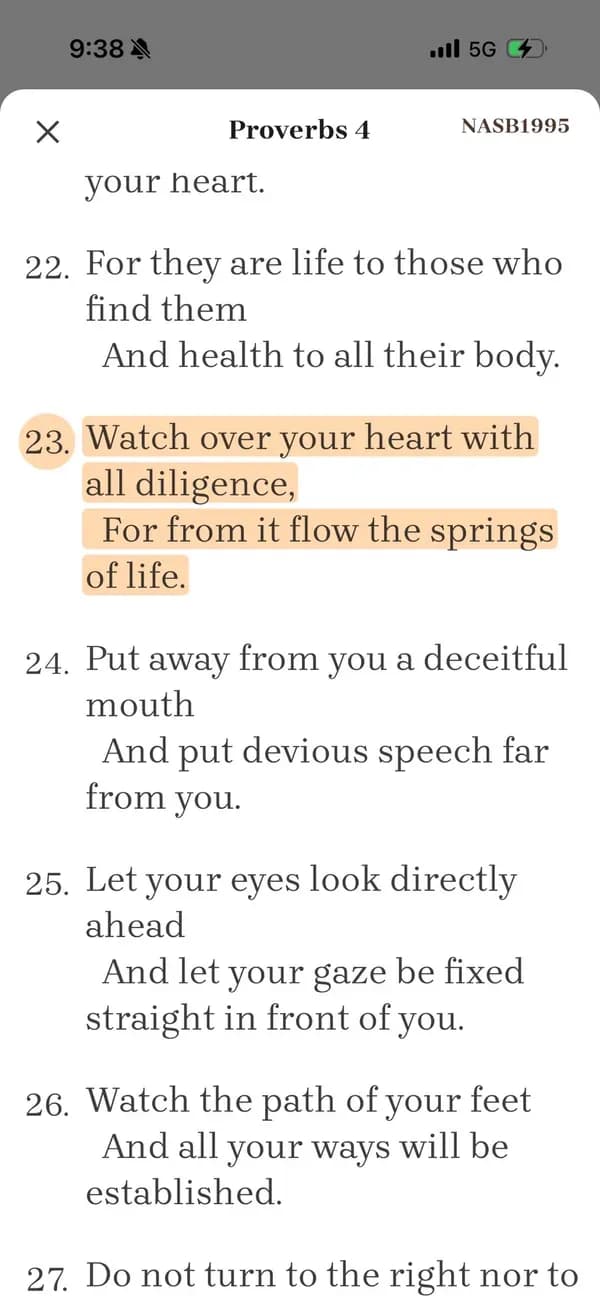
Keep Scripture, your pastor, and your church ahead of any generated note.
Watch one video, then open the passage
Use one video you already trust, a printed Bible or another reader, and a scrap of paper.
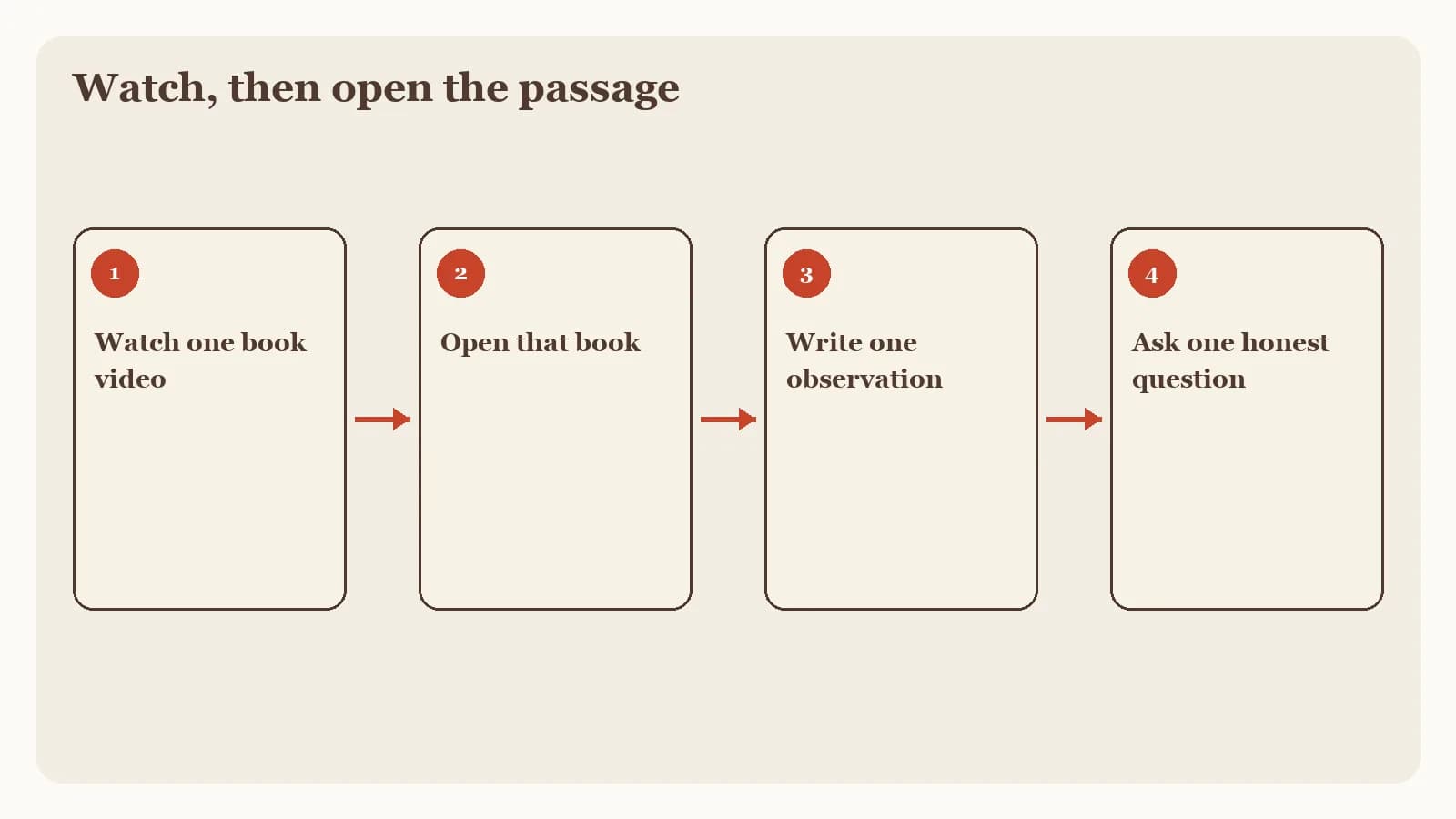
Watch one video on a book or theme. Pause when a passage is named. Write the reference down before you forget it.
Sketch the outline in your own words. Three or four movements is enough. If you cannot say the shape aloud, watch the closing minutes again.
Open the matching passage and read the surrounding verses. Let the text correct or deepen what the video summarized.
Write one question the video raised that only the passage can answer. Carry that question to your church, a trusted teacher, or your next reading.
That sequence works with or without the BibleProject app. If a question remains after you have read the text, Bible Note Bible study chat can help you ask a follow-up with labeled Scripture. Treat any generated answer as a draft.
Frequently asked questions
Is the BibleProject app free?
This review omits store prices and plan terms because they change by platform and date; check the current App Store or Google Play listing.
Does BibleProject have a Bible in the app?
Help material describes a companion reader with NASB, NIV, NIRV, NLT, and Amplified, plus linked resources where library content matches a chapter or verse.
Is BibleProject the best Bible app?
It is a strong fit for guided visual learning of books and themes; choose a reading app or a notes tool when that is the work you need this week.
What devices does the BibleProject app support?
Official FAQ material accessed September 15, 2026 says iOS 15.5+ and Android 8+ phones, with most tablets supported and not optimized; confirm the live page.
Does Bible Note replace BibleProject videos?
No. Bible Note is for authorized sermon and teaching review, with permission required, and it is not a substitute for BibleProject's video library.
Sources
BibleProject App official page, BibleProject, accessed September 15, 2026.
I'm new to the app. How do I get started?, BibleProject Help Center, accessed September 15, 2026.
Bible Note sermon notes, first-party feature page, accessed September 15, 2026.
Bible Note sermon transcription, first-party feature page, accessed September 15, 2026.
Bible Note Bible study chat, first-party feature page, accessed September 15, 2026.
Bible Note Privacy Policy, official policy dated April 22, 2026, accessed September 15, 2026.
Editorial status
Written and edited by Hans Keller for Bible Note. Sources, Scripture context, dates, and practical limitations are checked before publication.

About the author
Hans Keller
Editorial & Content Lead
Bible Study & Sermon Learning Content Editor
Hans helps Christians turn sermons and Scripture study into clear notes, thoughtful questions, and faithful next steps.
His work helps listeners and group leaders carry a sermon or study beyond the meeting: back to the passage, into clearer questions, and toward one practical response for the week.
Read with Scripture open
Use this guide alongside the full biblical passage and the practices of your local church. Interpretive details can differ across Christian traditions.
See more Bible Note on Google
Add Bible Note as a preferred source to help find our Bible study guides more easily in Google Search.