The interlinear is still open. One Greek gloss sits in the margin, the rest of the paragraph waits, and Sunday's outline names a different verse. That is often why readers start looking for Blue Letter Bible alternatives: the verse-level workbench still helps, and another weekly job still needs a home.
Keep Blue Letter Bible on Android for lexicons, interlinear tools, commentaries, and parallel Bibles. Choose YouVersion for daily reading and listening, BibleProject for guided book videos, and Dwell for a dedicated listening practice. Choose Bible Note when an authorized sermon needs a timestamped review path. If you want a connected commentary library in the Logos style, use the existing study-apps guide; this page stays with companions around close word study.
What Blue Letter Bible still does well
Blue Letter Bible remains a documented close-study workbench on Android. Official Android materials describe lexicons, interlinear tools, commentaries, and parallel Bibles, plus notes, folders, highlighting, dictionaries, and word searches. That mix still fits the reader who wants to slow down on a lemma, compare a verse in more than one English text, and keep a paper trail beside the screen.
The official Android interlinear manual says the Interlinear tool is available when the device is online. Plan for a network connection if original-language rows are the point of the session, and check the current official Android page for the Bibles and reference sets presently listed. This article's feature claims stay Android-scoped; confirm other platforms on the live official page.
Why readers look for Blue Letter Bible alternatives
Close study can fill a morning and still leave Tuesday thin. A lexicon tells you what a word can mean. It does not automatically return you to the paragraph, a reading plan, a book's shape, or the sermon that named the verse. Readers looking for apps like Blue Letter Bible are often naming that second job.
Daily Scripture needs a low-friction place to read or listen. A dense book needs a guided overview before another word search. Sunday's authorized message needs a path you can check by Wednesday. Those are companion jobs beside verse-level tools.
If you want a connected commentary library and the kind of study Logos-style software is built to hold, use the best Bible study apps guide. That guide already owns library-style study. This article will not add a second Logos review.
How we compared these Blue Letter Bible alternatives
We compared official product materials accessed September 15, 2026. This is a role comparison, not a hands-on ranking. Each option earns a place by filling a weekly job the Android workbench leaves open.
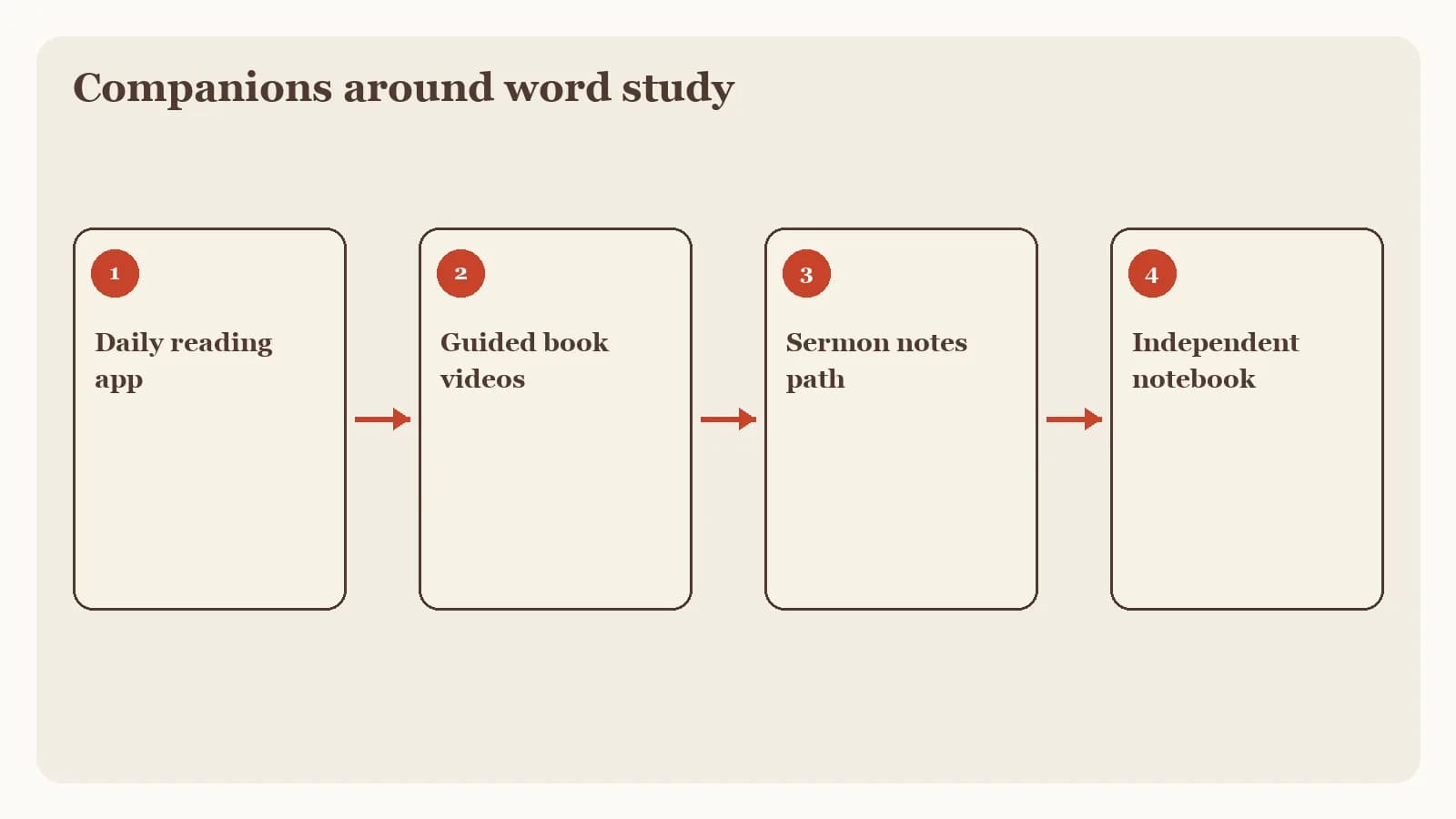
Four questions kept the comparison fair:
Daily Scripture: Can a reader open a passage and read or listen without turning the session into a lexicon search?
Guided learning: Does the tool help someone see a book's shape through videos, classes, or articles?
Listening practice: Is there a dedicated audio path, with a current store listing for subscription terms?
Sermon follow-through: Can an authorized message become a timestamped transcript, structured notes, and a midweek question?
We omit prices and ratings because storefronts change. Confirm current terms on each official page or listing before you rearrange your tools.
Three Blue Letter Bible alternatives to consider
These three companions sit beside the word-study workbench. For the wider Hub map of reading, listening, guided learning, and notes, see the best Bible apps guide.
YouVersion for daily reading and listening
YouVersion's official product page describes a free app for daily Scripture rhythms: read or listen with audio and offline access, plus highlights, bookmarks, notes, and Bible version comparison. That is a different job from verse-level lexical study. After a morning in the interlinear, YouVersion is the place to return to a chapter tomorrow.
Version comparison can help when a familiar English wording sits beside the gloss you just studied. YouVersion's official materials do not present BLB-style interlinear tools, so keep the Android workbench for that layer.
BibleProject for guided book videos
BibleProject's official app page describes guided videos, classes taught by Bible scholars, articles, reflection questions, podcasts, and progress tracking. After a close look at one word, a short book video can show how the surrounding argument runs.
Official FAQ material on that page says the app is currently English-only, optimized for iOS 15.5+ and Android 8+ phones, and works on most tablets without being optimized for them. Confirm those notes on the live page. BibleProject remains a guided-learning library. A lexicon still belongs on the Android workbench.
Dwell for a dedicated listening practice
Dwell's official homepage presents the product as an audio Bible and previews multiple narrator voices across named translations, including ESV, NIV, NLT, KJV, CSB, NKJV, NASB, and The Message. After a dense word-study session, hearing the paragraph read aloud is often the fastest way to put the lemma back in its sentence.
The current Google Play listing describes Read Along synchronized text, listening plans, offline downloads, sleep mode, and Repeat and Reflect memorization, plus a trial and an auto-renewing subscription. This article omits dollar amounts; check the current store listing for subscription terms.
Where Bible Note fits among those Blue Letter Bible alternatives
Bible Note is the sermon-review companion in this set. After you have studied a verse, the next honest job is often Sunday's authorized message: what was said, which passage was named, and what you will still ask on Wednesday.
Bible Note can turn authorized sermon or teaching material into structured notes, Scripture references, flashcards, devotionals, and small-group questions. Bible Note sermon transcription supports live recording or authorized import and a timestamped transcript with recognized Scripture references. Audio quality affects the draft. There is no universal accuracy score, so replay consequential wording and check every reference in the named translation.
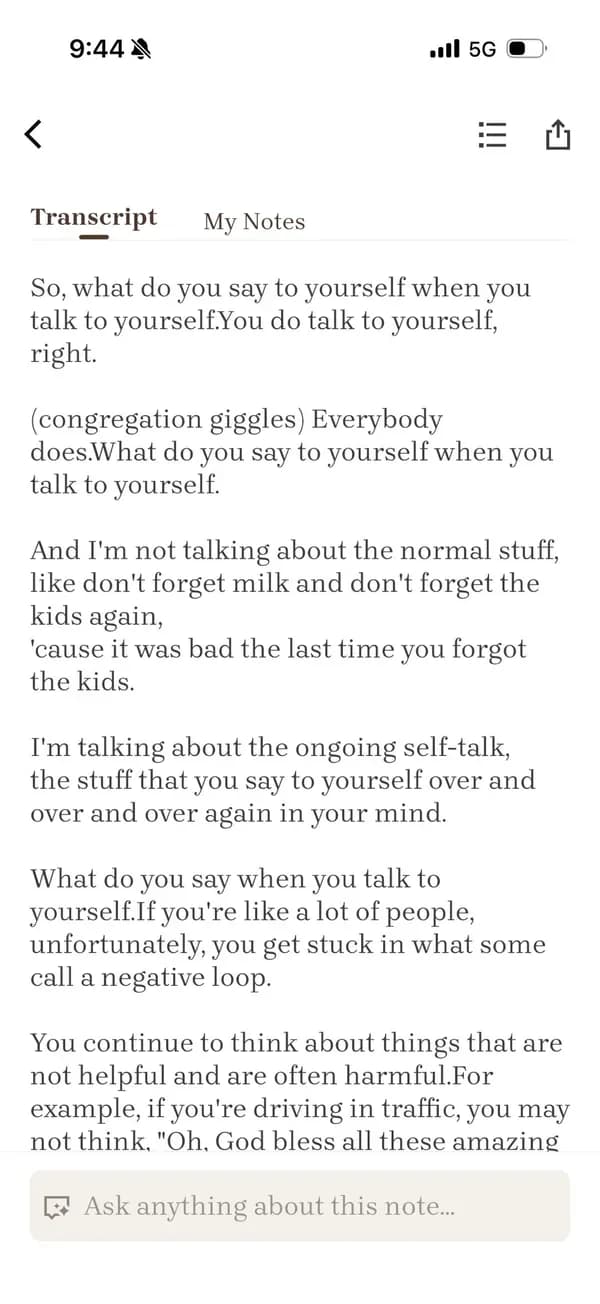
Ask the pastor, media team, or church administrator before you record, import, share, or publish a sermon. The Bible Note Privacy Policy, dated April 22, 2026, says submitted content can include text, audio, or voice media used to provide the service. Read the current policy before you upload. For a fuller walkthrough, see the Bible Note review.
Finish the word study, then read the whole paragraph
You do not need a new app to test whether close study is serving the text. Use one verse you already looked up and a short paper note. The simple Bible note-taking method can hold the same loop.
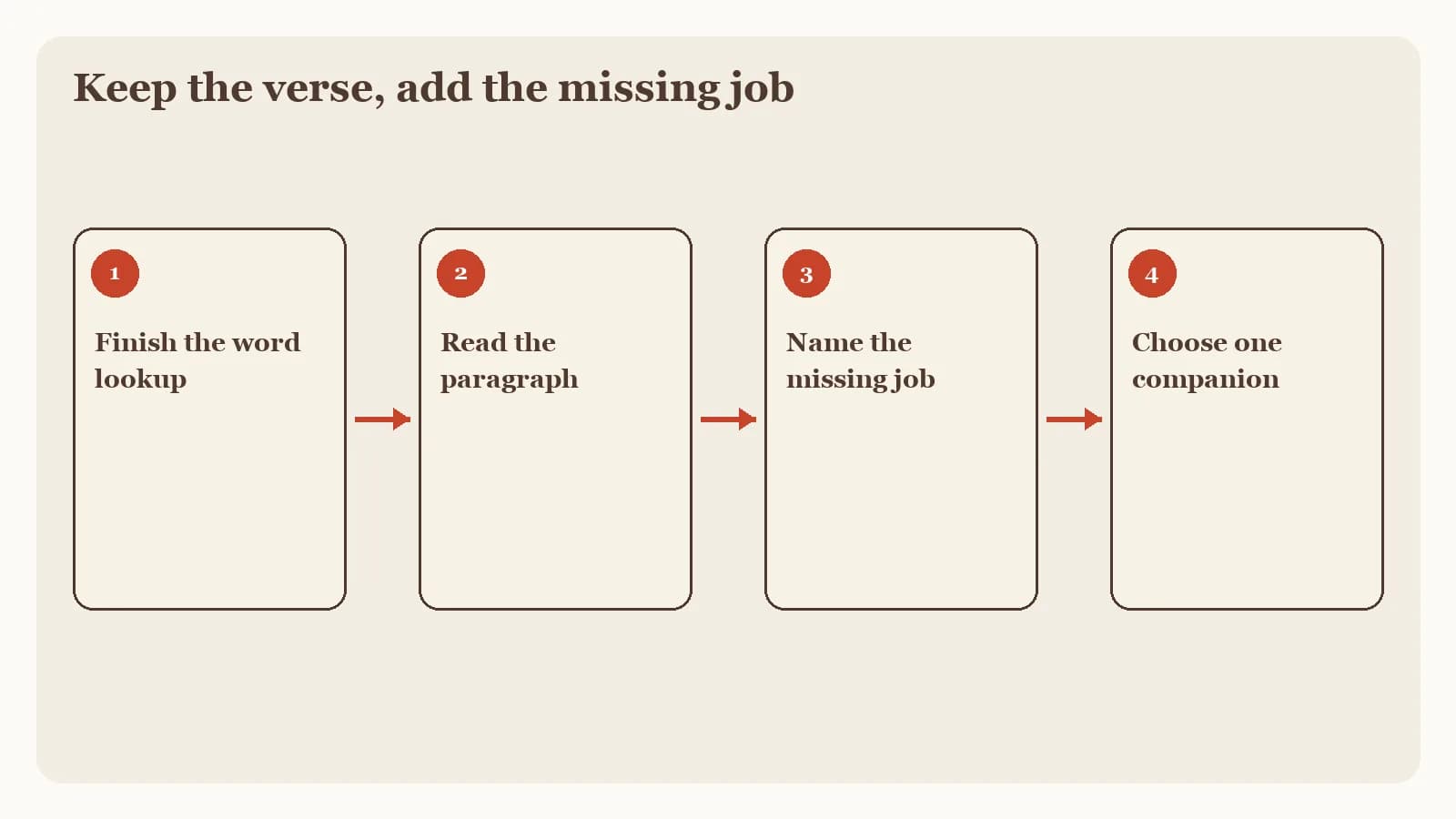
Name the word in your own language. Write the gloss you studied in a plain sentence, without copying the lexicon entry.
Read the whole paragraph. Include the sentences before and after the verse, aloud if you can.
Write one limit. Note how the paragraph narrows what that word can mean in this place.
Carry one sentence forward. Keep that sentence in your paper notes, then bring it to Sunday if the sermon names the same passage.
If the paragraph already answers the question you brought to the lemma, keep the workbench. Add a companion only for the job that is still unfinished at the end of the week.
Frequently asked questions
What is better than Blue Letter Bible?
It depends on the missing job: YouVersion for daily reading, BibleProject for guided book videos, Dwell for listening, and Bible Note for authorized sermon review.
Is there a Blue Letter Bible app for iPhone?
This article's word-study details follow official Android materials accessed September 15, 2026; check the current official page for other platforms.
What is similar to Blue Letter Bible?
For verse-level lexicons and interlinear tools, Blue Letter Bible remains the Hub workbench; the companions here fill reading, guided videos, listening, and sermon notes.
Is Logos better than Blue Letter Bible?
They serve different jobs; for a connected commentary library, use the existing Bible study apps guide instead of treating this page as a Logos review.
Can Bible Note replace Blue Letter Bible's lexicons?
No. Bible Note is the sermon-review path, and it does not replace a lexicon, a pastor, or reading the passage in context.
Do I need to leave Blue Letter Bible to use these alternatives?
Keep it if close word study still helps, then add only the companion that matches the leftover weekly job.
Sources
Blue Letter Bible Android App official page, accessed September 15, 2026
BLB for Android Interlinear manual, accessed September 15, 2026
YouVersion Bible App official product page, accessed September 15, 2026
BibleProject App official page, accessed September 15, 2026
Dwell official homepage, accessed September 15, 2026
Dwell: Audio Bible Google Play listing, accessed September 15, 2026
Bible Note sermon notes, first-party feature reference, accessed September 15, 2026
Bible Note sermon transcription, first-party feature reference, accessed September 15, 2026
Bible Note Privacy Policy, official policy dated April 22, 2026 and accessed September 15, 2026
Editorial status
Written and edited by Hans Keller for Bible Note. Sources, Scripture context, dates, and practical limitations are checked before publication.

About the author
Hans Keller
Editorial & Content Lead
Bible Study & Sermon Learning Content Editor
Hans helps Christians turn sermons and Scripture study into clear notes, thoughtful questions, and faithful next steps.
His work helps listeners and group leaders carry a sermon or study beyond the meeting: back to the passage, into clearer questions, and toward one practical response for the week.
Read with Scripture open
Use this guide alongside the full biblical passage and the practices of your local church. Interpretive details can differ across Christian traditions.
See more Bible Note on Google
Add Bible Note as a preferred source to help find our Bible study guides more easily in Google Search.