A verse sits open on the kitchen table after dinner. You have already read it once. Now one word is holding your attention, and you want a lexicon line, an interlinear view, and a commentary note without losing the sentence around it. This Blue Letter Bible review is for that close-study job on Android.
On Android, Blue Letter Bible is a strong close-study workbench with lexicons, interlinear tools, commentaries, and parallel views. It is a weaker first app for a gentle daily reading plan or for carrying Sunday's authorized sermon into notes you can revisit. The official Android interlinear manual, accessed September 15, 2026, says the Interlinear tool is available when the device is online.
This is an editorial Blue Letter Bible app review published by Bible Note. It follows official Android pages from that date. It does not claim a hands-on lab test, a star rating, or iOS feature parity.
The short verdict
If your main work is slowing down over a verse on Android — a lemma, a parallel English line, a commentary note — Blue Letter Bible is a serious candidate. Choose it when that verse-by-verse desk is the job you will actually repeat. Look elsewhere first when you mainly want a gentle reading plan, or when Monday's question is how to keep a sermon, its references, and one honest question together.
A BLB Android review should also keep one pastoral boundary in view. A Strong's gloss can illuminate a word. The sentence, the paragraph, and the whole passage still carry the meaning. Read the surrounding text before you treat a gloss as the message of the unit.
How this Blue Letter Bible review evaluates close study
This review uses four criteria, dated to official Android materials accessed September 15, 2026. They follow the work a careful reader actually has to do after tapping a verse.
Close-study tools: Do official Android pages describe lexicons, interlinear views, dictionaries, word searches, and parallel Bibles?
Context around the verse: Can notes, folders, highlighting, and side-by-side Bibles keep more than a single gloss in view?
Documented limits: What must stay scoped to Android, and which tool the official manual says needs an online connection?
Companion jobs: When is a gentler reading habit or a sermon-to-notes path a better first app?
Prices, star ratings, and download counts are omitted because those figures change by store and date. Check the current listing if you need those details.
What the Android app is built to do
The official Blue Letter Bible Android page describes more than 15 available Bibles, Hebrew and Greek lexicons, interlinear tools, dictionaries, word searches, more than 8,000 text commentaries by more than 40 authors, notes, folders, highlighting, and side-by-side parallel Bibles. The useful question is which of those tools you will open in an ordinary week.
Word study is one study job among several. Our best Bible study apps guide places that job beside daily reading, sermon review, a connected library, and guided learning.
Lexicons, interlinear views, and parallel Bibles
Hebrew and Greek lexicons, interlinear tools, dictionaries, and word searches fit the reader who already has a verse in mind. Side-by-side parallel Bibles keep more than one English rendering on the same screen.
The official Android interlinear manual adds a condition: the Interlinear tool is available when the device is online. It shows original-language tools, concordance, and lexicon data, including Strong's data for named texts such as WLC, LXX, TR, mGNT, KJV, NASB95, NASB20, and LSB. If you study with weak signal, plan that lookup for a connected moment.
Commentaries, notes, and folders
The same official Android page lists a large commentary library, plus notes, folders, and highlighting. Those extras help you keep a trail through a chapter. A commentary note is a conversation partner. Read the paragraph, ask your pastor about a hard claim, and check the named translation.
Where Blue Letter Bible stands out verse by verse
The documented strength is concentration. The Android materials present tools that repay a reader who will sit with one verse, one lemma, and one set of parallels until the sentence makes more sense.
A workbench for one lemma at a time
Lexicons, interlinear lines, concordance data, and word searches all point at the same habit: slow down on a word you do not yet understand. That desk fits a small-group observation, a sermon claim, or a term you want to trace through a short passage. Keep the English sentence open. The lemma serves the sentence.
Side-by-side parallel Bibles, notes, folders, and highlighting support comparison on one screen when two renderings disagree. Comparison is a means. The goal remains hearing the passage as a whole.
Limits worth checking before you call it your only Bible app
Stay with the Android evidence
Feature claims follow the official Blue Letter Bible Android page and the Android interlinear manual, both accessed September 15, 2026. Do not treat that list as proof of iOS parity or of the website's current layout. If you use another device, check that platform's current official page.
Interlinear tools need a connection
The official Android interlinear manual says the Interlinear tool is available when the device is online. Original-language tools, concordance, and lexicon data, including the Strong's datasets named above, belong to that connected view. If offline reading is your main habit, confirm what still works without a network on the current listing.
Keep the paragraph in view
A lexicon entry is a window on a word. It is not the meaning of the whole paragraph. If a gloss seems to settle an argument, read the verses around it, name the translation you are using, and ask whether the surrounding sentences support that conclusion. An app can surface data. It cannot replace a pastor, a congregation, or the text itself.
Who this app fits and which companion may help
Blue Letter Bible on Android fits the reader whose next move is close word study: a lemma, an interlinear line, a commentary note, and a parallel English column. It fits less well as the only app in a week that also needs a gentle reading rhythm or a path from an authorized sermon into notes. The best Bible apps guide maps those weekly habits.
When a reading app may fit better
Choose a reading-first app when the habit you will actually keep is opening a passage each day and marking a short observation. Blue Letter Bible's documented Android strength is the reference desk after a verse is already in front of you.
When the week's sermon is the next text
Bible Note is a companion for authorized sermon review, not a lexicon replacement. It can turn authorized sermon or teaching material into structured notes, Scripture references, flashcards, devotionals, and small-group questions. Permission is required before recording or import. Generated notes remain drafts. Accuracy is not guaranteed, and audio quality affects the transcript.
Bible Note sermon transcription supports live recording or an authorized import, then a timestamped transcript with recognized Scripture references. For a fuller product picture, see the Bible Note review.
Submitted Bible Note content can include text, audio, or voice media used to provide the service. The current privacy policy is dated April 22, 2026. Read that page and your church's recording policy before you upload a sermon.
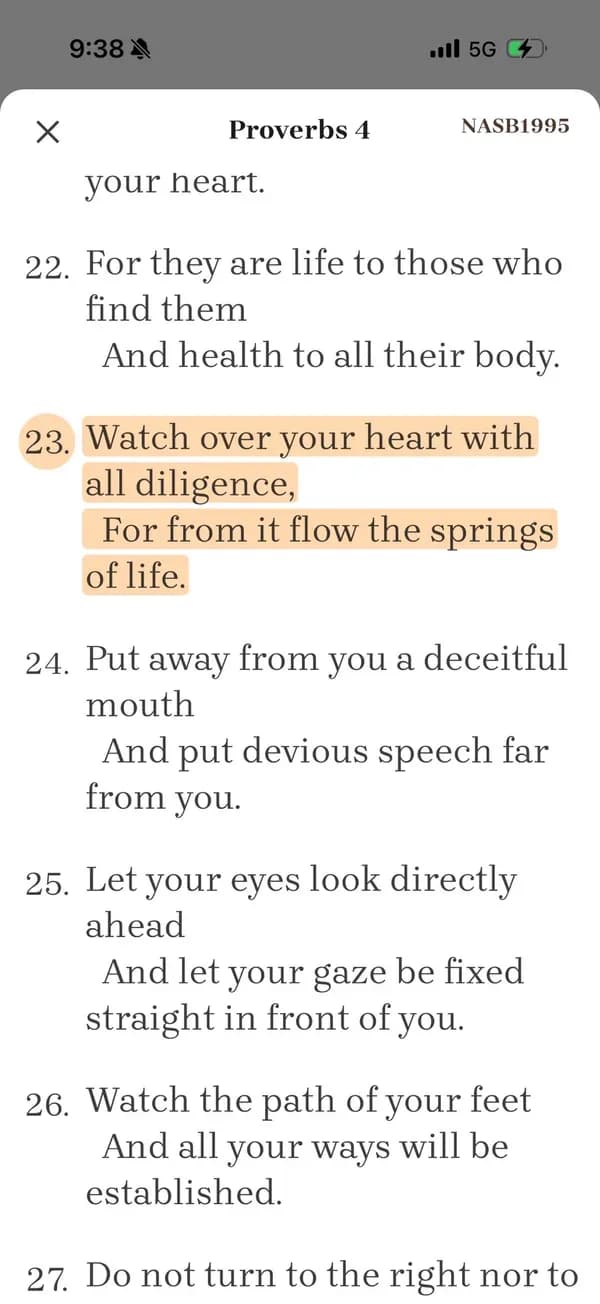
The expanded reference keeps the surrounding passage available to check.
Study one verse, then read the paragraph around it
You do not need to install an app to test whether close study is serving the passage. Use one verse from this week's reading or sermon and twenty quiet minutes.
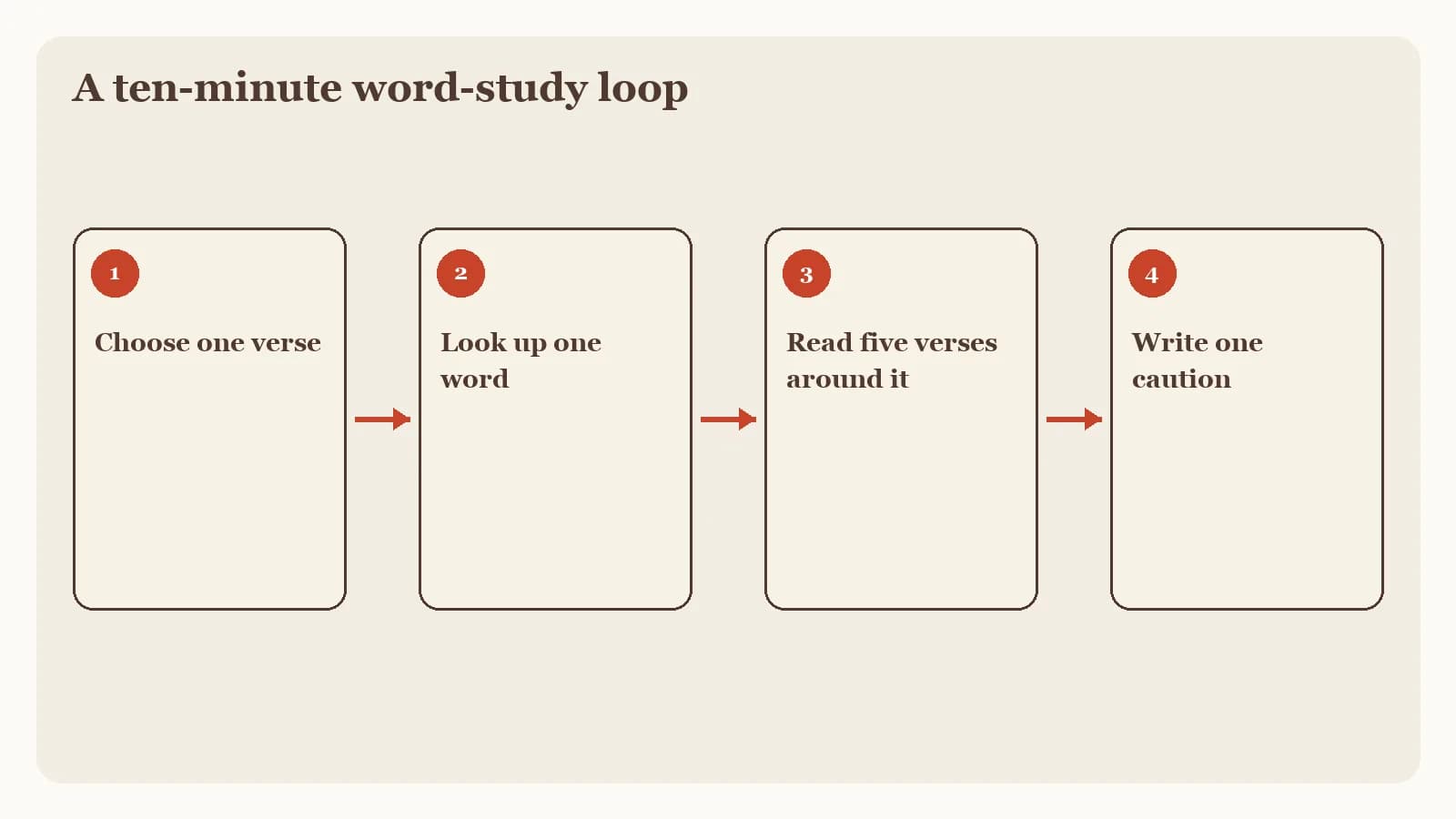
Write the verse by hand. Copy it from the named translation you actually heard or read, including the reference.
Read the paragraph around it. Continue until the verse has neighbors.
If you look up a word, return to the sentence. Note the lemma and one gloss, then read the English line again.
Write one remaining question. Keep it tied to the paragraph, and bring it to a pastor, a group, or a later study session.
If a follow-up still needs labeled Scripture, Bible Note Bible study chat can help you ask it with the passage in view. Treat any generated answer as a draft, open the cited verses, and stay with the paragraph until the word has a home.
Frequently asked questions
Is Blue Letter Bible free?
This review omits store prices and plan terms because they change; check the current official Android page and store listing for what is offered today.
Does Blue Letter Bible have an iPhone app?
This article stays with official Android materials accessed September 15, 2026, and does not claim iOS feature parity; check Blue Letter Bible's current official pages for any other platform.
Is Blue Letter Bible good for beginners?
On Android it fits a reader who already wants to slow down over a verse with lexicons and parallels; a gentler daily reading plan may be a better first app.
Does Blue Letter Bible have interlinear?
Yes, on Android the official interlinear manual describes an Interlinear tool, available when the device is online, with original-language, concordance, and lexicon data.
Can Bible Note replace Blue Letter Bible's lexicons?
No. Bible Note is for authorized sermon review and follow-up notes, not a lexicon replacement.
Is this a hands-on Blue Letter Bible review?
No. Bible Note publishes this editorial review from official Android pages, not from a lab test, user survey, or star rating.
Sources
Blue Letter Bible Android App official page, Blue Letter Bible, accessed September 15, 2026.
BLB for Android Interlinear, Blue Letter Bible, accessed September 15, 2026.
Bible Note sermon notes, first-party feature reference, accessed September 15, 2026.
Bible Note sermon transcription, first-party feature reference, accessed September 15, 2026.
Bible Note Privacy Policy, official policy dated April 22, 2026 and accessed September 15, 2026.
5 Best Bible Apps in 2026, Bible Note, accessed September 15, 2026.
Editorial status
Written and edited by Hans Keller for Bible Note. Sources, Scripture context, dates, and practical limitations are checked before publication.

About the author
Hans Keller
Editorial & Content Lead
Bible Study & Sermon Learning Content Editor
Hans helps Christians turn sermons and Scripture study into clear notes, thoughtful questions, and faithful next steps.
His work helps listeners and group leaders carry a sermon or study beyond the meeting: back to the passage, into clearer questions, and toward one practical response for the week.
Read with Scripture open
Use this guide alongside the full biblical passage and the practices of your local church. Interpretive details can differ across Christian traditions.
See more Bible Note on Google
Add Bible Note as a preferred source to help find our Bible study guides more easily in Google Search.