If you need to know how to check a sermon transcript before sharing it, start with a deliberate review pass. A transcript makes a sermon searchable, printable, and easy to revisit. It also makes every mistake easy to repeat. A misheard name, a wrong verse reference, or a private prayer detail can travel much farther in text than it ever did in the room. So before a transcript goes to a small group, a church email, or a website, it deserves one careful pass.
This is not about doubting the tool that produced the text. Automated transcripts are useful, and workflow guides separate transcript creation from editing because the first draft still needs a human reader. The question is narrower: given this one transcript, is it accurate, appropriate, and ready for the audience you have in mind?
The review pass in one minute
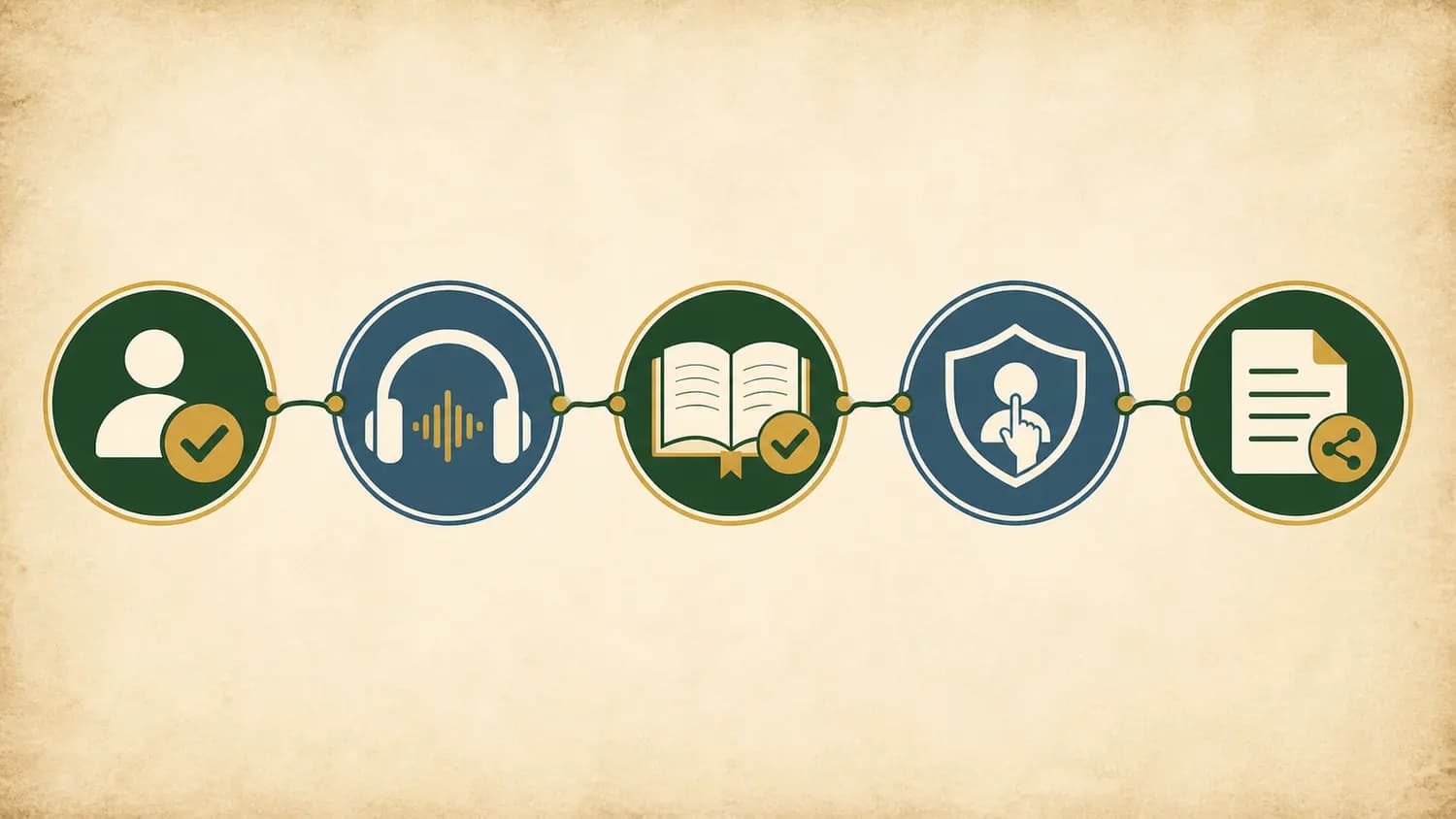
Check a sermon transcript in a fixed order, because each step protects the next one. If you are still deciding how the transcript gets made in the first place, start by comparing the tools themselves—see our guide to compare sermon transcription apps. This article starts after the transcript exists.
Confirm permission and audience. Decide whether you may share this recording at all, and with whom.
Compare risky passages with the audio. Listen again where meaning could change, not everywhere.
Verify names, Scripture references, and quotations. Check the details people will quote or follow.
Remove private or context-bound material. Keep in the room what belongs in the room.
Format for the actual use. Shape the final text for a handout, a study archive, or an internal record.
That order is risk-first: it settles the biggest questions before you spend an hour polishing commas. Now take each step in detail.
Confirm permission and the intended audience
Before accuracy work, answer the ownership question. If the sermon is not yours, ask the pastor, the church, or whoever owns the media before recording or sharing it. This is practical guidance, not legal advice, and local policies differ—but a quick question to the right person is far cheaper than a quiet apology later.
Permission is not one decision. Being allowed to record a sermon, being allowed to transcribe it, and being allowed to distribute the text are three separate questions, and a “yes” to the first does not imply the others. A church may welcome personal recordings yet keep its official transcripts internal, or allow a small-group handout but not a public blog post.
Then define the audience concretely. “The church” is not an audience; “the twelve people in Wednesday’s study group” is. The audience decides how much context the transcript needs, how careful the privacy pass must be, and whether informal asides that worked in the room still work on paper.
Compare the transcript with the audio
You do not need to re-listen to the whole sermon. A risk-based pass listens again where a mistake would change the meaning, and leaves low-stakes wording alone.
Listen first at the risky moments
Some passages fail quietly. A transcript that drops the word “not” from a sentence still reads smoothly. Prioritize re-listening wherever you see:
Scripture references spoken quickly. “Second Corinthians five, seventeen” can become the wrong book, chapter, or verse in one breath.
Names of people, places, and authors. Proper nouns are where automated text can make confident guesses.
Negation and qualification. “This does not mean,” “I am not saying,” and “some traditions read this differently” are easy to lose and expensive to lose.
Illustrations and asides. Jokes and stories depend on tone; text flattens them, and a flattened aside can read as a claim.
Numbers, dates, and amounts. These are small, checkable, and often wrong by one digit.
Use timestamps to stay fast
If your transcript has timestamped points into the audio, use them as the review interface: read until something looks risky, jump to that moment, listen for ten seconds, correct, and move on. Timestamps turn “check against the audio” from an hour-long chore into a handful of short hops.
Decide what “accurate enough” means
A shared transcript does not have to reproduce every filler word. For most uses, a lightly cleaned text that faithfully represents what was said is better than a verbatim one. What you must not silently change is meaning: if the audio is genuinely unclear, mark the passage as unclear or remove it rather than guessing the speaker’s intent.
Verify names, Scripture references, and quotations
This is the step readers will hold you to, because these are the details they will repeat.
Check every Scripture reference against the text
Open a Bible to each cited passage—preferably the translation the preacher used—and confirm three things: the reference exists, it says what the sermon claims it says, and the surrounding context supports the use. If the sermon quoted a verse aloud, compare the wording with that translation rather than trusting the transcript’s rendering. A reference that is off by one verse can send a study group to the wrong page and quietly erode trust in everything else you share.
Check names and attributed quotations the same way
Verify the spelling of every person, church, and author named. If the sermon quotes a writer or a historical figure, confirm the attribution before the transcript spreads it. If you cannot verify a quotation, present it as the preacher’s recollection or cut it. Inventing a confident citation is the one error worse than omitting it.
Remove private or context-bound material
A sermon is preached to a particular room, and transcripts carry more than doctrine. Before sharing, scan for material that belonged to that room: names in prayer requests, health or family situations mentioned from the stage, counseling illustrations with identifying details, announcements about money or personnel, and offhand remarks about people who were present.
Some of this is clearly private. Some is merely context-bound—a reference to last week’s meeting or a joke about the broken projector—that confuses outside readers without adding anything. Both kinds should come out of a shared version. When in doubt, cut; a sermon rarely needs a specific person’s name to make its point, and removing the detail costs far less than sharing it.
Format the final version for its use
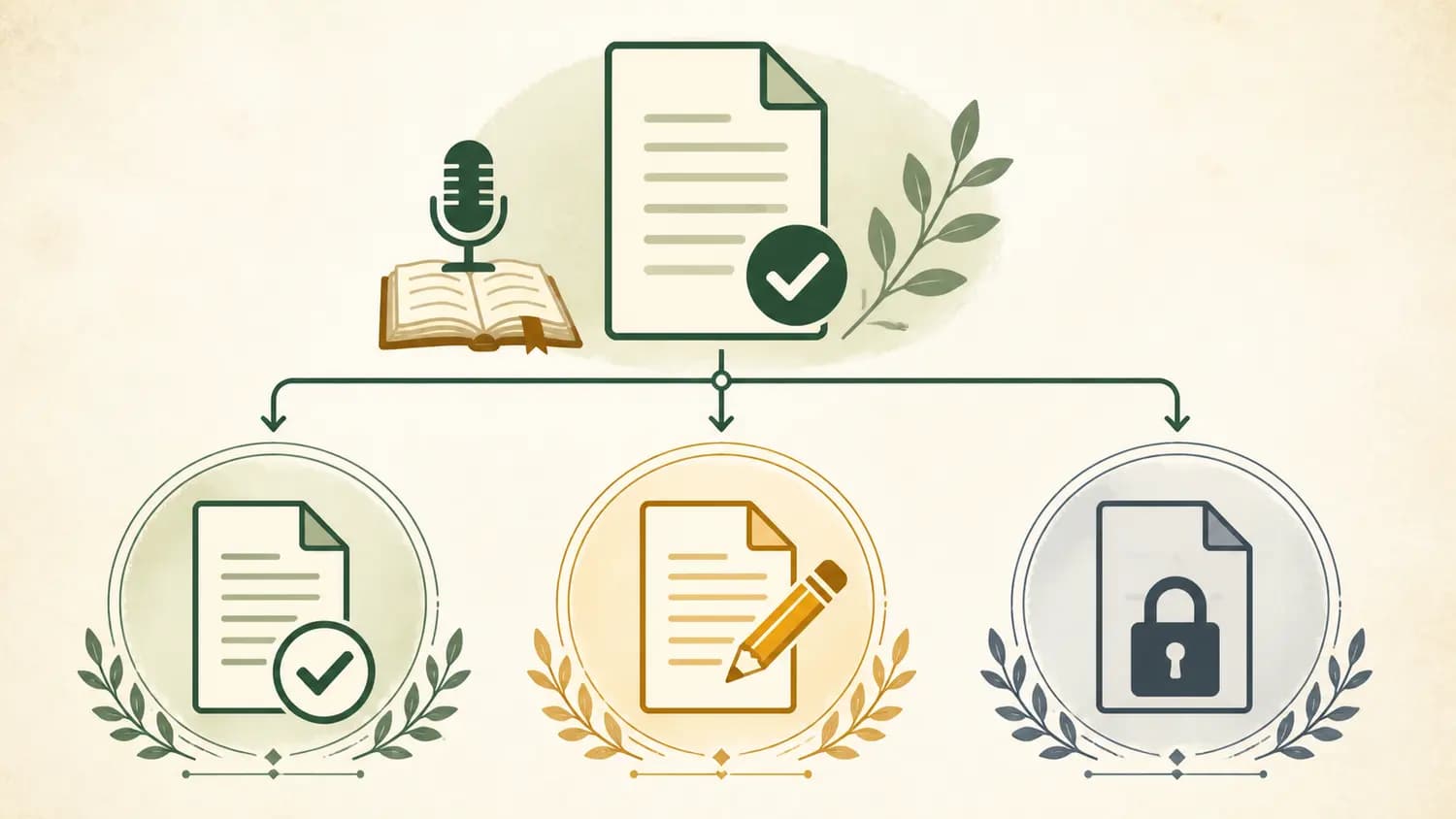
The last step is shaping the text for the job it will actually do. A small-group handout wants the main passage, the sermon’s key points, and space for discussion; an internal archive wants completeness, speaker, date, and series; a public article wants context an outsider needs and none of the room’s private material. Each format implies a different level of editing, so name the format before you finish the edit.
Once the transcript is clean and shared, it becomes study material. If your next step is turning it into something you can revisit through the week, our guide on how to take sermon notes covers how to condense a message into a passage, a main idea, and one response.
Where Bible Note fits
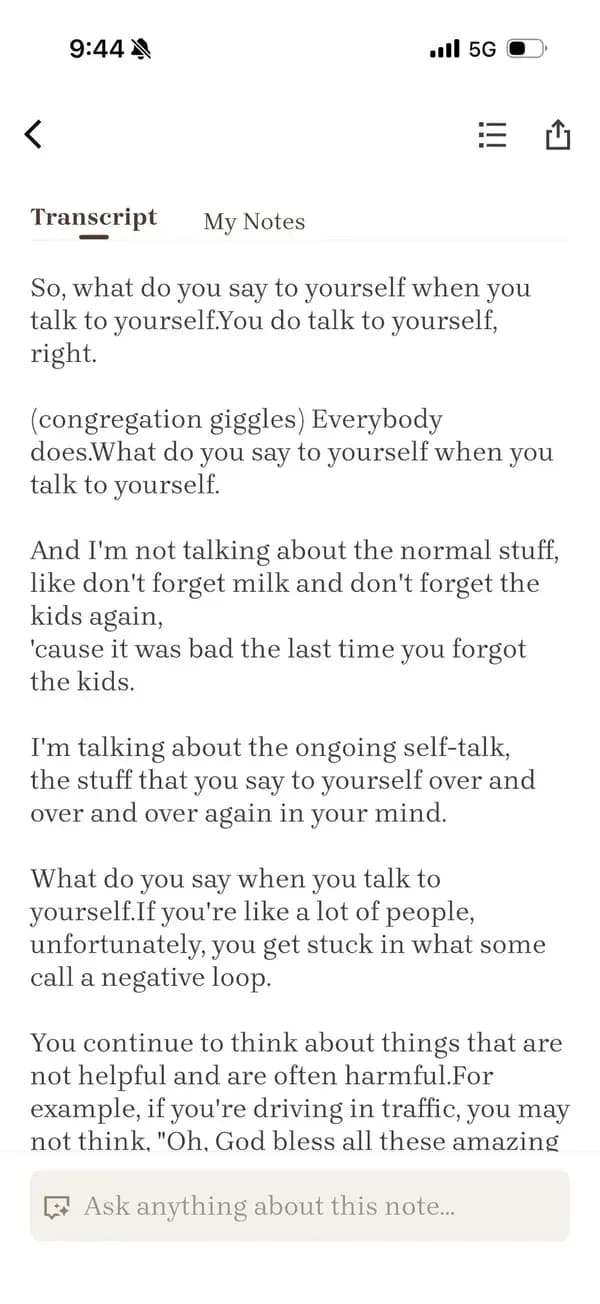
Bible Note’s Sermon Transcription feature can support this kind of review with a transcript, timestamped points into the audio, and recognized Scripture references. Use those cues to investigate the risky moments above; they do not make a transcript automatically accurate or ready to share.
Two boundaries matter. You still listen at the risky moments, and you still make the permission and privacy calls. The feature’s own guidance also points back to the first step of this workflow: ask your church, pastor, or media owner before recording or sharing a sermon that is not yours.
Frequently asked questions
Do I need to re-listen to the entire sermon to check the transcript?
No. A risk-based pass re-listens only where an error would change meaning—Scripture references, names, negations, numbers, and unclear spots—and leaves low-risk wording alone. Timestamps into the audio can make this fast.
Can I share a sermon transcript my church did not ask me to make?
Ask first. Recording, transcribing, and distributing are separate permissions, so check with the pastor, church, or media owner before sharing a sermon you do not own. This is practical guidance, not legal advice.
How do I verify a Scripture reference from a sermon?
Open the cited passage in the translation the preacher used, confirm the reference exists and says what the sermon claims, and check that the surrounding context supports the use. Compare any quoted wording against the Bible text, not the transcript.
What should I cut from a sermon transcript before sharing it?
Remove private material—names in prayer requests, health or family details, counseling illustrations—and context-bound remarks that only made sense in the room. When in doubt, cut; the sermon’s point rarely depends on the detail.
Is a lightly edited transcript dishonest?
No, as long as edits never change meaning. Cleaning filler words and clarifying punctuation is normal for shared text; silently altering what the speaker argued, or guessing at unclear audio, is not.
Sources
Bible Note Sermon Transcription, first-party product page describing timestamped transcripts, recognized Scripture references, and asking permission before recording or sharing; accessed September 2, 2026.
Editorial status
Written and edited by Hans Keller for Bible Note. Sources, Scripture context, dates, and practical limitations are checked before publication.

About the author
Hans Keller
Editorial & Content Lead
Bible Study & Sermon Learning Content Editor
Hans helps Christians turn sermons and Scripture study into clear notes, thoughtful questions, and faithful next steps.
His work helps listeners and group leaders carry a sermon or study beyond the meeting: back to the passage, into clearer questions, and toward one practical response for the week.
Read with Scripture open
Use this guide alongside the full biblical passage and the practices of your local church. Interpretive details can differ across Christian traditions.
See more Bible Note on Google
Add Bible Note as a preferred source to help find our Bible study guides more easily in Google Search.