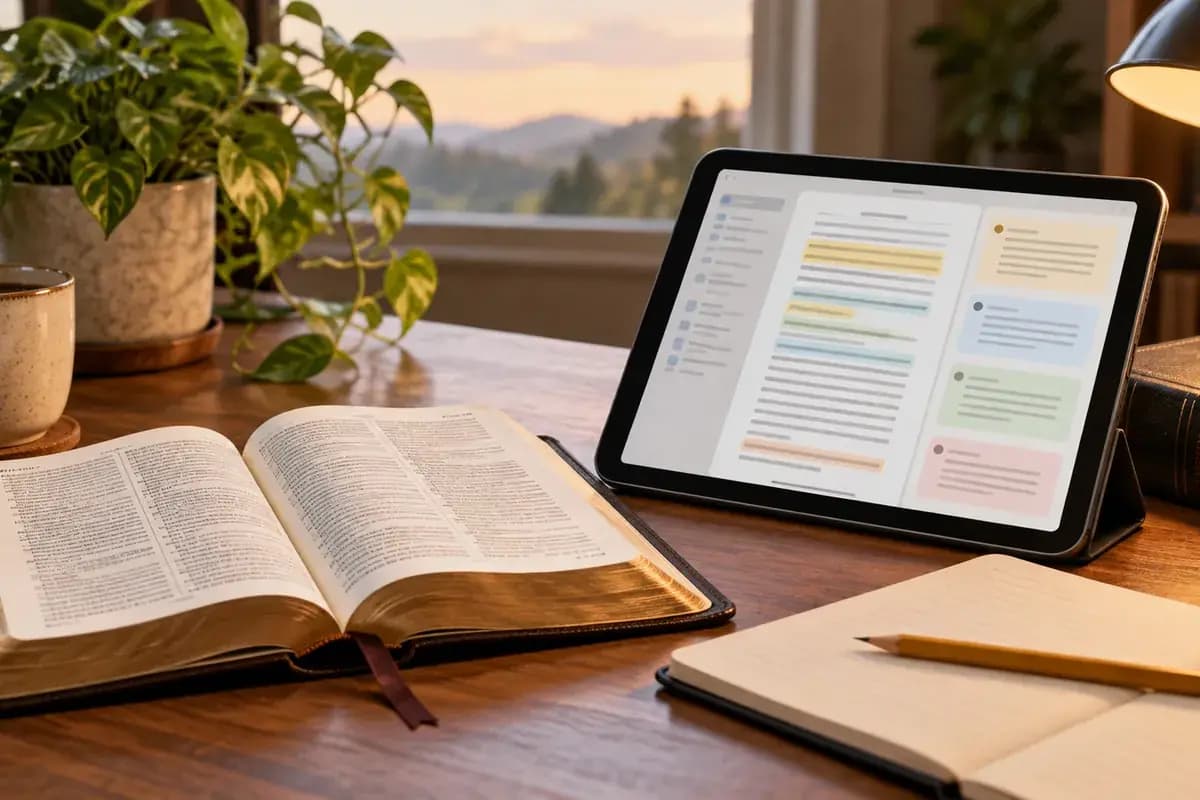
A commentary can help when a biblical paragraph remains hard to follow, but the first task is to name the question the text raises. Start with Bible Note for that passage, a study question, and an explanation you can check in Bible Study Chat. Then use an attributed commentary when the answer needs a published interpreter's sustained argument. Blue Letter Bible offers a broad route to linked works; Enduring Word gives one identified voice, David Guzik. Bible Note supports the study trail but is not itself a scholarly commentary library.
Read the biblical paragraph before opening any note. Write one observation in your own words. That gives you a way to judge whether a commentary addresses the text or merely sounds persuasive.
What counts as commentary in an app?
A commentary is an identifiable author's or editorial team's sustained interpretation of a passage. A study Bible note is usually shorter and attached to a translation or edition. A lexicon addresses words and usage. A sermon summary reports what a teacher said. An AI response may assemble information, but it is not itself an attributable published commentary. Products can combine these, so “has commentary” is only the beginning of the comparison.
For example, if a paragraph seems to make two claims that pull in different directions, a word definition may clarify one term while a commentary considers the paragraph's argument. You still need to know the commentator's name, work, date or edition, and theological setting where it matters. A public-domain work can be valuable without reflecting later scholarship. A modern work can be useful without settling every contested reading.
How we evaluated these Bible apps with commentary
Semrush search-interest research helped us identify the commentary questions readers bring to apps, and we compared official app listings and product information for the choices here. We focused on whose interpretation you can identify, how easily you move between the passage and its notes, whether you can compare more than one voice, and which commentary titles your account actually provides. The picks are grouped by study need: a direct answer from a known writer serves a different purpose from a library for comparing interpretations. Check the title, edition, device, and access terms for the resource you plan to read.
Quick picks for different study questions
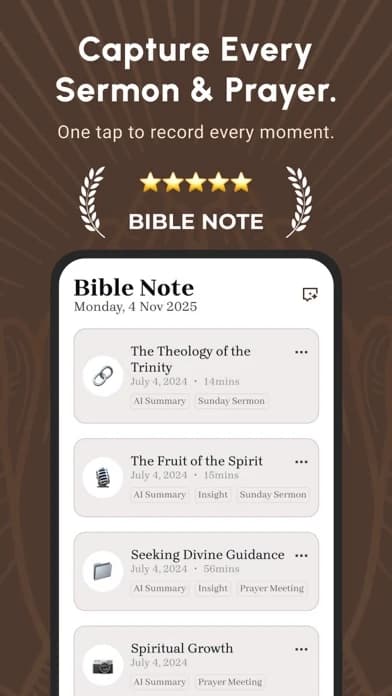
Bible Note for the first passage question: enter or scan a reference where supported, ask about context, and save the question before comparing named interpreters. Keep AI explanation distinct from published commentary.
Blue Letter Bible: begin with linked commentaries, word tools, and the passage, then identify the work you actually open.
Enduring Word: read a known, single-author commentary by David Guzik when that voice and its theological approach fit your purpose.
Olive Tree Bible App: bring a selected commentary into an existing Bible reading library; verify the title and entitlement.
Logos Bible: compare works in a larger research library when the question deserves that breadth and you have the needed resources.
Bible Note: ask first, then test the answer against named voices
Best for: a reader who wants to understand a difficult passage, preserve a question from an authorized sermon, and return to the sources used to answer it.
What the current evidence supports: First-party study pages describe reference-based or scan-based Bible study, verse notes, and Bible Study Chat answers that show Scripture references and distinguish interpretation from the text. Sermon notes can attach a question to a recorded teaching moment and cited passage when recording or import is permitted.
How to use it here: read the full paragraph, enter the reference, and ask a narrow question such as why two sentences appear to pull in different directions. Save what the app proposes as a question or possible reading. Then open an attributed commentary in Blue Letter Bible, Enduring Word, or a title in your own library and compare its stated reason with the passage. Bible Note is useful because the original question and the follow-up remain together; the named work supplies the identifiable interpreter.
Strengths: A reader can move from confusion to a specific inquiry without losing the passage. When a question began in a sermon, the timestamp and note help distinguish the teacher's statement, the app's generated explanation, and the commentator's argument.
Limitations and who should use another tool: An AI response is not an authored commentary or theological consensus. Generated references and interpretations need checking against Scripture, the work cited, and trusted teaching. Bible Note does not establish access to a particular commentary edition; choose an entitled library or named writer when that is what the task requires. Feature and account conditions can differ by device.
Blue Letter Bible: a broad first stop
Best for: a reader who wants passage-linked commentary with nearby reference tools.
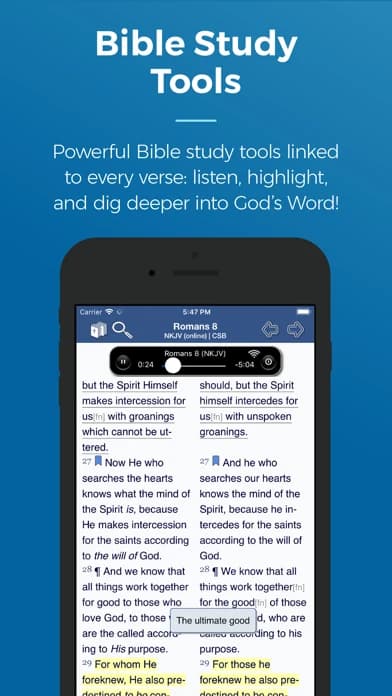
What the current evidence supports: Its official US mobile listing describes text and audio commentaries, lexicons, concordances, dictionaries, searches, parallel views, notes, and highlights.
Strengths: In Blue Letter Bible, a passage can remain the anchor as you inspect different tools. That matters when a word study tempts you to forget the sentence around the word.
Limitations and who should skip it: Check which commentary author and edition a particular result represents. The iOS visual and other product evidence do not prove identical menus on every device. If you want one known writer in a simple reading path, Enduring Word may be easier to evaluate.
Enduring Word: one identified commentary voice
Best for: someone seeking a direct explanation from a named commentator without assembling a library.
What the current evidence supports: Its US Apple listing identifies David Guzik, says the app provides the commentary from Genesis through Revelation, and describes bookmarking and an offline download option. The listing states no sign-in or subscription; verify those conditions on your device.
Strengths: The author is visible before you read. That makes it easier to assess a claim as one interpreter's reading instead of treating a search result as anonymous consensus.
Limitations and who should skip it: One substantial commentary is still one perspective. When a passage is disputed or you are teaching across traditions, compare another credible work and the text. The listing does not establish scholarly peer review or theological neutrality.
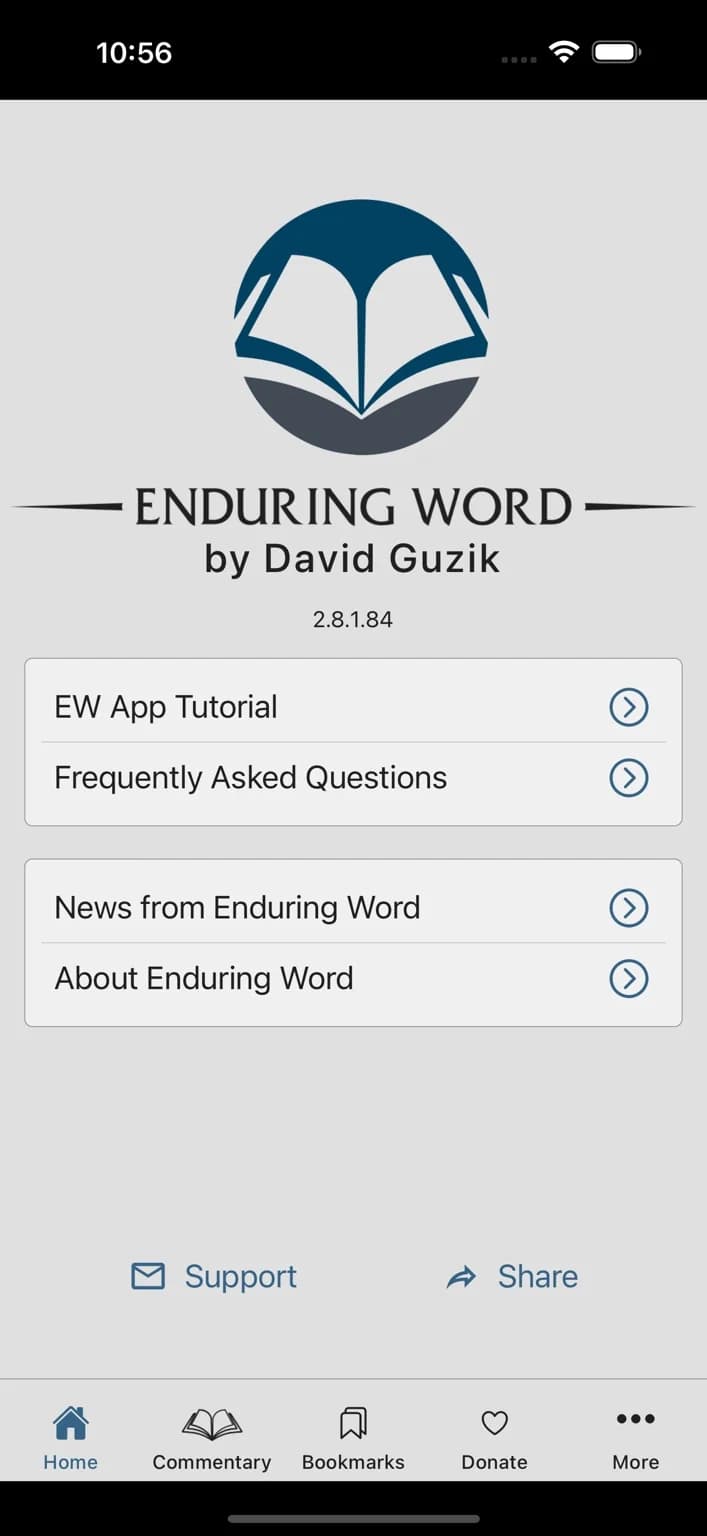
The captured iPhone listing image shows the home navigation and a Commentary tab; it does not display the text of a commentary entry.
Olive Tree Bible App: commentary beside your Bible text
Best for: a reader whose preferred commentary title is available in an Olive Tree library.
What the current evidence supports: Official app material describes Bible texts, study titles, notes, and commentary resources. Exact titles and rights are resource-dependent.
Strengths: The value lies in a chosen work staying close to your reading and notes. If you already own a title, check that the app version is the edition you mean to consult.
Limitations and who should skip it: The reader alone does not establish a particular commentary's inclusion, price, or offline access. Check the author, edition, and account entitlement before recommending it to a group. A single-author app may be simpler for a quick question.
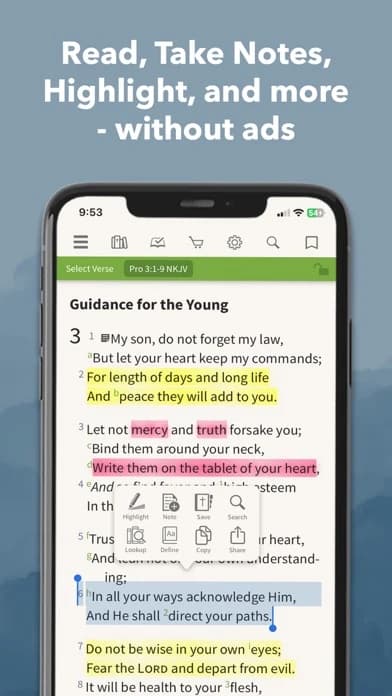
Logos Bible: a comparative research library
Best for: a teacher or student who needs several attributed resources and a place to keep research notes.
What the current evidence supports: Its official US iOS listing describes commentaries, Bibles, books, notes, and linked research tools. It also signals that some AI and wider-library functions depend on account or subscription access.
Strengths: Logos's library can help you compare interpretations, inspect the underlying passage, and record why you favor a reading.
Limitations and who should skip it: Check the actual titles in your account; a large catalogue is not the same as access to every commentary. Research tools add complexity. Skip this route if a short, named explanation answers your current question.
A passage-to-commentary method you can repeat
Read the complete paragraph, noting who speaks and what the surrounding section is doing. Write a question the text actually raises. Open a commentary and record the author's name, work, and edition if shown. Underline the part of the explanation that addresses your question, then mark what it assumes or draws from another passage. Return to the paragraph and ask whether that reading accounts for the words and flow you observed.
If the interpretation affects a group lesson or a disputed doctrine, open a second credible voice with a different perspective. Compare their reasons, not just their conclusions. Separate four lines in your notes: what you can observe in the text; what each interpreter argues; whether a church tradition is in view; and what response you are considering. A responsible conclusion may remain provisional. Bring a consequential unresolved question to a trusted teacher rather than presenting the first app answer as settled.
When the recommendation reverses
Bible Note is the starting place for the reader's own question and a saved study trail. A newcomer who specifically wants a concise explanation from a known author should then open Enduring Word. A group leader preparing to present a disputed passage needs more than one voice; Blue Letter Bible's linked resources or a verified Logos/Olive Tree library are better places to compare. If the leader already owns a specific commentary in Olive Tree, that actual resource can matter more than a general app ranking. A person whose question began in an authorized sermon can use Bible Note to hold the timestamp and reference, then do the commentary work elsewhere.
If a sermon raised the question, save the reference and your own observation before you forget them. Bible Note can keep that thread available while you consult identifiable sources.
Is a study Bible note a commentary?
A study Bible note can contain commentary, but the two are not the same kind of resource. A note is usually brief and tied to a particular Bible edition; a commentary has more room to trace an interpreter's argument through a passage. Either may be useful if you know whose work you are reading.
For a quick orientation to a paragraph, a study note may be enough. If your question turns on why one reading fits the paragraph better than another, look for a named commentary that gives reasons you can examine. Record the author and work, then return to the biblical text. A short note should not gain extra authority merely because it appears beside the verse.
Is an old public-domain commentary reliable?
It can be useful, but its age does not settle its accuracy. An older writer may make a careful observation about the passage while also working with historical assumptions or debates from another period. Public-domain availability tells you about access, not whether a particular claim is well supported.
Read one claim at a time. Ask where the writer grounds it in the text, what belongs to the writer's interpretive tradition, and whether a historical assertion needs a newer source. For a disputed lesson, compare a recent credible work on that exact point and explain any remaining difference to the group. You can retain an older insight without treating every sentence as current scholarship.
What if two commentaries disagree?
Keep the disagreement visible long enough to learn what it is about. Two writers may read the same words differently, bring different historical evidence, follow different theological traditions, or agree on the passage while proposing different applications. Counting conclusions alone hides those distinctions.
A useful comparison has three parts:
Name the disputed point. Write one sentence that both views are actually trying to answer.
Compare their reasons. Mark the words or context each writer uses, and identify any outside assumption.
State what remains open. For a group lesson, share the strongest supported reading and the uncertainty that still matters.
If the issue changes a doctrine or a decision for someone in your care, bring that clear comparison to a trusted teacher. The app can show you several voices; the passage and responsible human judgment still govern how you use them.
Summary: match the commentary to your question
Begin with the biblical paragraph and use Bible Note to hold the question, a tentative explanation, and the route back to Scripture. Consult Blue Letter Bible for linked named works or Enduring Word for David Guzik's commentary. When a group lesson needs several perspectives, verify the exact commentary titles in Olive Tree or Logos. Keep Bible Note's generated help separate from each commentator's attributed argument.
Editorial status
Written and edited by Hans Keller for Bible Note. Sources, Scripture context, dates, and practical limitations are checked before publication.

About the author
Hans Keller
Editorial & Content Lead
Bible Study & Sermon Learning Content Editor
Hans helps Christians turn sermons and Scripture study into clear notes, thoughtful questions, and faithful next steps.
His work helps listeners and group leaders carry a sermon or study beyond the meeting: back to the passage, into clearer questions, and toward one practical response for the week.
Read with Scripture open
Use this guide alongside the full biblical passage and the practices of your local church. Interpretive details can differ across Christian traditions.
See more Bible Note on Google
Add Bible Note as a preferred source to help find our Bible study guides more easily in Google Search.